

Why Quality Matters When Saving Facebook Reels
You’ve just watched a Facebook Reel that made you laugh, think, or want to share it with your friends. But when you try to save it, the quality drops, and the magic fades. Saving Reels without losing quality is crucial—especially if you plan to repurpose the content or keep it for offline viewing. Facebook compresses videos when you download them directly from the app, which often results in blurry visuals and muffled audio. That’s why using a dedicated downloader tool is essential. With the right approach, you can preserve every pixel and ensure the Reel looks as good as it did on your feed.
What Makes a High-Quality Facebook Reels Download?
A high-quality download preserves the original resolution, bitrate, and audio clarity. Facebook typically serves Reels in up to 1080p or even 4K, but the platform’s default download option often downgrades the file. To avoid this, you need a tool that fetches the video directly from Facebook’s servers without re-encoding. Look for features like support for HD and 4K resolutions, no watermarks, and fast processing. Additionally, the best tools don’t require you to install any software or create an account, making the process seamless and secure. By choosing a reliable downloader, you’re ensuring that the content you save remains true to its original form.
Step-by-Step Guide to Downloading Facebook Reels in HD
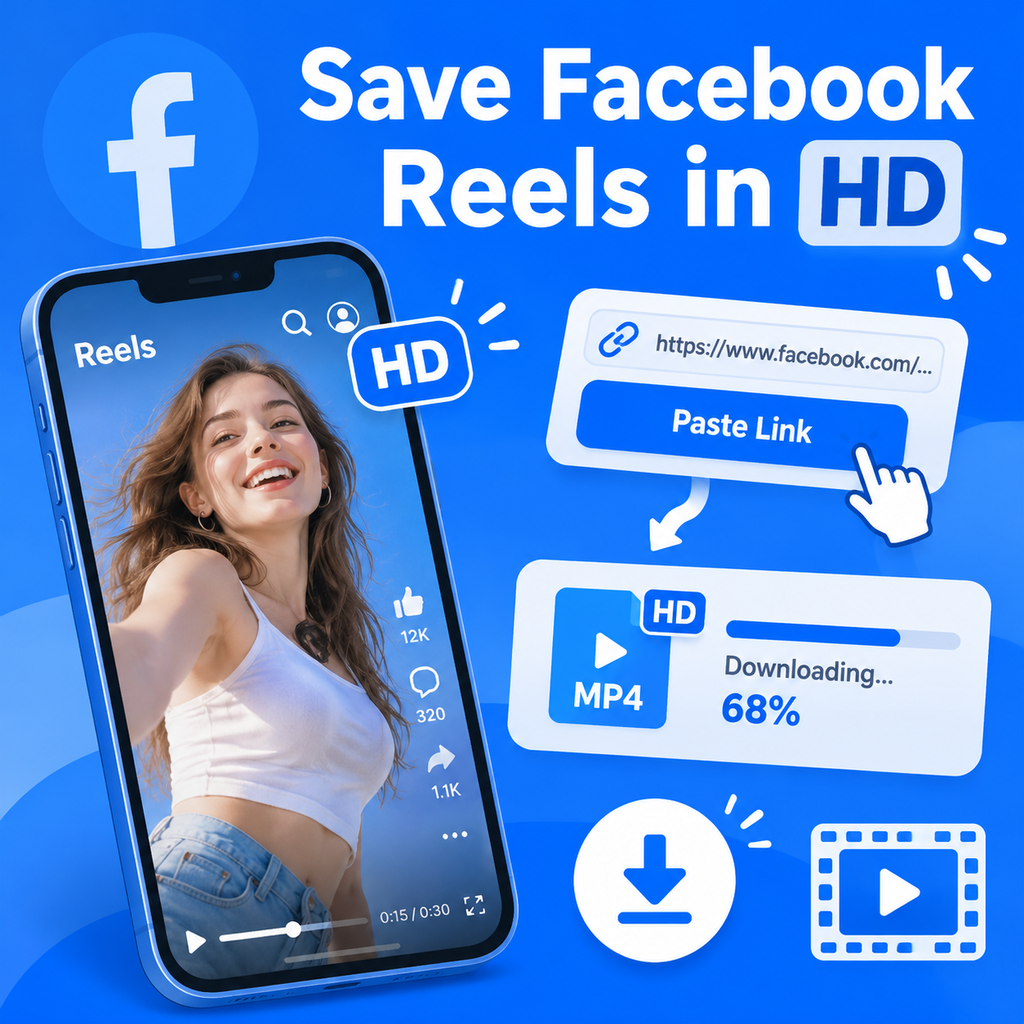
Saving a Facebook Reel in high definition is easier than you might think. Follow these simple steps to get started:
- Find the Reel: Open Facebook and navigate to the Reel you want to download. Tap the Share button and select Copy Link.
- Visit a Downloader Site: Go to a trusted Facebook Reels downloader like Fload.app in your browser.
- Paste the Link: Paste the copied link into the provided input box.
- Select Quality: Choose the desired resolution (e.g., 1080p HD or 4K) and format (MP4 is recommended for video).
- Download: Click the download button, and the file will be saved to your device.
With these steps, you can save any public Facebook Reel in its original quality, ready for offline viewing or sharing.
Tips for a Smooth Download Experience
Ensure your internet connection is stable, and avoid downloading multiple files simultaneously to prevent interruptions. Also, make sure the Reel is set to public—private videos cannot be downloaded.
Top Features to Look for in a Facebook Reels Downloader
Not all downloaders are created equal. To guarantee the best quality, look for these key features:
- HD and 4K Support: The tool should offer resolutions up to 4K when available.
- No Watermark: A watermark can ruin the viewing experience, so choose a downloader that adds none.
- No Registration: Avoid tools that require you to sign up or provide personal information.
- Cross-Platform Compatibility: The downloader should work on any device—Windows, Mac, Android, or iOS.
- Fast Processing: The download should begin quickly after pasting the link.
Fload.app checks all these boxes, making it a reliable choice for quality-focused users.
Preserving Audio Quality in Downloaded Reels
Video quality isn’t the only thing that matters—audio is equally important. A downloader that re-encodes the video might also compress the audio, leading to muffled sound or sync issues. To preserve audio quality, choose a tool that extracts the audio stream without transcoding. Some downloaders even allow you to save the audio as a separate MP3 file, which is handy if you only need the sound. Fload.app maintains the original audio track, ensuring that music, dialogue, and sound effects remain crisp and clear.
Common Mistakes That Ruin Video Quality
Even with the right tool, certain mistakes can degrade the quality of your downloaded Reel. Here are some pitfalls to avoid:
- Downloading from the Facebook App: The in-app download often compresses the video. Always use a third-party downloader.
- Choosing the Wrong Resolution: If you select a lower resolution than the original, you’ll lose detail. Always pick the highest available.
- Ignoring Format: MP4 is widely supported and preserves quality. Avoid converting to formats like 3GP, which reduce quality.
- Using Unreliable Tools: Some downloaders inject ads or malware. Stick to reputable sites like Fload.app.
By steering clear of these mistakes, you’ll ensure your saved Reels look and sound fantastic.
Legal and Ethical Considerations
Before downloading any Facebook Reel, it’s important to respect copyright and privacy. Only download content that you have permission to save, or that is explicitly labeled for free use. Downloading videos for personal, offline viewing is generally acceptable, but redistributing or using them commercially without consent is not. Always check Facebook’s terms of service and the content owner’s rights. Tools like Fload.app are designed for legitimate use, and they encourage users to download only public content with proper authorization.
Innovative Ways to Enjoy Your Saved Reels
Once you’ve downloaded high-quality Facebook Reels, the possibilities are endless. You can create a personal library of inspiration, compile tutorials for offline learning, or even remix content for your own creative projects (with permission). Some users curate Reels for social media scheduling, while others use them for research or mood boards. The key is to have the original quality intact, so you can repurpose without worrying about pixelation. With a reliable downloader, you’re not just saving videos—you’re preserving moments and ideas in their best form. So go ahead, save that viral Reel, and make it yours.
 English
 Русский
 Turkish
 Português (Brasil)
 한국어
 Español
 ไทย
 Tiếng Việt
 Français
 中文
 Deutsch
 Bahasa Indonesia
 Italiano
 日本語
 Polski
 Українська
 فارسی


