

 English
 Русский
 Turkish
 Português (Brasil)
 한국어
 العربية
 Español
 ไทย
 Tiếng Việt
 中文
 Deutsch
 Bahasa Indonesia
 Italiano
 日本語
 Polski
 Українська
 فارسی


From Gaming Rooms to Customer Support: The Discord Evolution
Remember when Discord was just a place to coordinate raids and trash-talk opponents? Those days are long gone. The platform has quietly morphed into a serious tool for customer support, and India is leading the charge. With 11 million monthly active users and 5 million downloads in 2025 alone, India has become Discord's fourth biggest market by downloads and third by monthly active users. That's not just gamers—it's businesses, creators, and support teams realizing that their customers are already hanging out on Discord. So why force them to email when you can answer them right where they are?
The Surge in India: Numbers That Speak
Let's break down the stats. According to Sensor Tower, the top five markets for Discord by mobile downloads through 2025 year-to-date are the US (18%), Brazil (7%), Indonesia (6%), India (6%), and the Philippines (4%). India's 5 million downloads represent a 2% uptick from the previous year, showing steady growth. But the real story is monthly active users: India's 11 million mobile MAUs make up 5% of Discord's global user base. Analysts note that while the 18-24 age group has always been Discord's bread and butter, the 25-34 demographic is now flocking to the platform. Why? Because Discord's twin appeal of privacy and structure is resonating with professionals who want organized, invite-only spaces for discussions—whether it's financial advice or internal team collaboration.
Why Businesses Are Flocking to Discord for Support
The shift isn't random. Nimesh Shah, Head Maven of digital experiential agency Wind Chimes, points out that SEBI-authorized investment advisors are building financial discussion communities on Discord. Startups are using it for customer support, feedback, and community engagement. Even companies are ditching Slack for internal discussions. The reason is simple: Discord's server-channel-subchannel architecture suits any kind of organizing under a common interest. Sumedha Mahajan, Business Head of Ampverse DMI, which runs India's largest Collegiate Esports IP, College Rivals, notes that the ability to create servers with roles, custom permissions, and private invite-only communities gives users greater control. Organized channels and categories keep conversations seamless—no more lost questions in a chaotic chat stream.
Structuring Your Discord Support: Forums and Threads
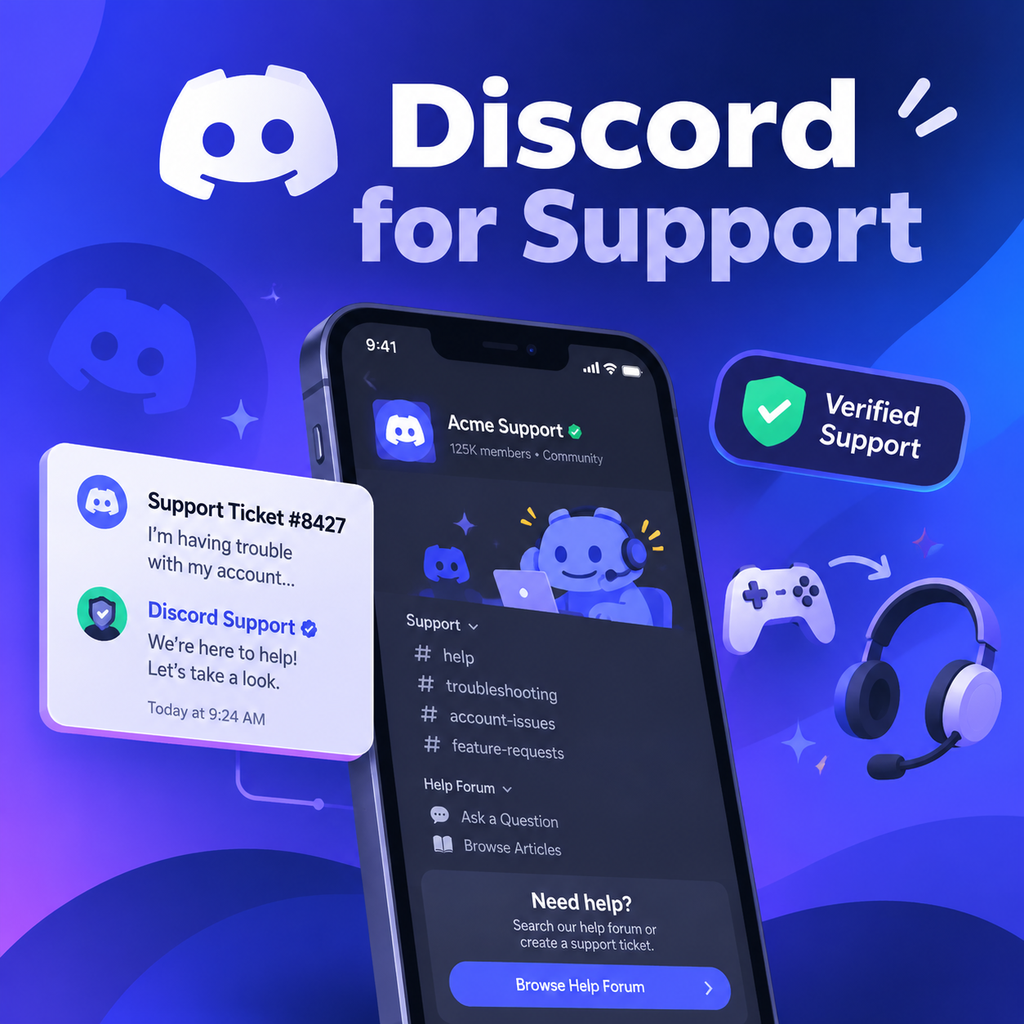
So you've decided to use Discord for customer support. Great! But without structure, it's a mess. The first step is to set up a support forum. A forum channel holds posts instead of a single chat stream, and each post is its own thread, so one question can't bury the next. Forums require a Community server, which means you need a verified email, media content filter, rules channel, and updates channel. Once you have that, configure four key settings: write clear post guidelines (tell users what info to include and what never to post, like passwords), make at least one tag required (use tags like bug, billing, account, how-to, plus a status tag like 'solved'), set Hide After Inactivity to 1 week (so bug reports don't disappear too quickly), and use the one pinned post for known issues. If you prefer a text channel, make threads mandatory—members need 'Create Public Threads' and 'Send Messages in Threads' permissions. And don't forget to create a Support role with a distinct color and 'Manage Threads' permission so your team is visible.
Keeping Private Details Private
Customer support often involves sensitive information—emails, order numbers, payment details. You can't have that in public threads. Use AutoMod to block or flag messages that match patterns (like email addresses). For account-specific issues, direct users to private threads that only they and your team can see. Discord's thread docs confirm that private threads are visible only to invited people and moderators with 'Manage Threads'. Also, set up a Server Guide under Onboarding to answer repeat questions before they're asked. Turn on Community, create resource pages for FAQs and known issues, and add 'how to get help' as one of the 3-5 New Member To Do's. Point it at your support forum—it's a small step that saves hours.
Where Discord's Native Tools Fall Short
Discord's built-in tools are powerful, but they have limits. Someone still needs to filter the forum by open tags, assign questions, and track response times. That's where a help desk comes in. But before you add a support bot, read Discord's Developer Policy: apps can't contact users without explicit permission (no unsolicited DMs) and can't collect financial or sensitive info via the API. So a bot should answer in the thread where the question was asked and never request card details. For teams juggling multiple channels, connecting Discord to a shared inbox like Deskwoot makes sense. Each question becomes a conversation next to email, live chat, and WhatsApp. You can assign it to a teammate, add labels, and reply directly in the thread under your name. Setup is quick: connect your server, pick channels, and allow the bot. Then you can manage all support from one place.
The Future of Discord Support: What to Expect
Discord's evolution from gaming rooms to customer support is just the beginning. As more businesses realize the value of meeting customers where they are, Discord will likely introduce more native support features. For now, the combination of forums, threads, roles, and integrations with help desks provides a solid foundation. India's growth is a testament to the platform's versatility—it's not just for gamers anymore. Whether you're a game studio, software company, creator, or online course seller, Discord offers a unique way to build community and provide support. The key is to structure it right, keep private details safe, and use the right tools to avoid chaos. So embrace the rise of Discord—your customers are already there.