

 English
 Русский
 Turkish
 Português (Brasil)
 한국어
한국어 العربية
 Español
 ไทย
ไทย Tiếng Việt
 Français
 Deutsch
 Bahasa Indonesia
 Italiano
 日本語
日本語 Polski
 Українська
 فارسی
فارسی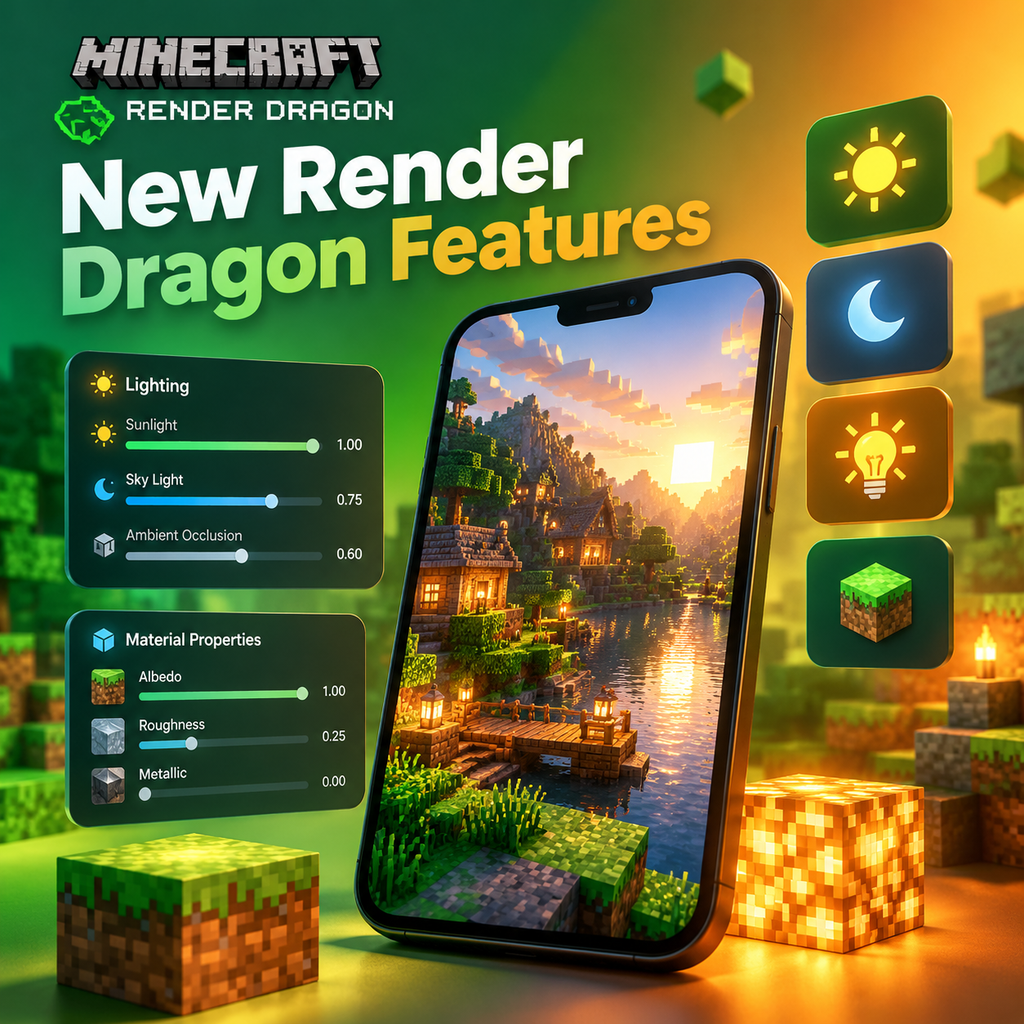
Deferred Lighting Pipeline: A New Era for Minecraft Creators
Minecraft Bedrock Edition's graphics engine, Render Dragon, is unlocking a new level of visual customization for creators. The introduction of a deferred lighting rendering pipeline in technical preview marks a significant leap forward, offering experimental features that empower add-on developers to push the boundaries of Minecraft's aesthetics. This pipeline builds on the foundation laid by ray tracing for Windows, specifically leveraging the PBR (Physically Based Rendering) material format. With this preview, creators can now apply PBR materials not only to blocks but also to entities, opening up a world of possibilities for immersive gameplay experiences.
What Is the Deferred Lighting Pipeline?
The deferred lighting rendering pipeline is a new approach to rendering that allows for more realistic and dynamic lighting effects. Unlike traditional forward rendering, which calculates lighting for each object as it is drawn, deferred rendering first captures all geometry and material data into a buffer, then applies lighting in a separate pass. This enables complex lighting scenarios with many light sources and advanced effects. For Minecraft creators, this means the ability to craft visually stunning worlds with accurate shadows, reflections, and atmospheric effects, all while maintaining performance across a range of devices.
Key Features in the Technical Preview
The technical preview includes a set of core features designed to showcase the pipeline's potential. Creators can experiment with PBR materials for blocks and entities, primary lighting from the sun and moon, dynamic shadows, bloom effects, and tone mapping. These features are available in Preview/Beta builds on Windows PC, Xbox, and Android, with plans to expand to more platforms over time. It's important to note that this is an experimental preview, so features may change dramatically as development progresses.
PBR Materials: The Foundation of Realistic Visuals
Physically Based Rendering (PBR) is at the heart of the deferred lighting pipeline. PBR materials simulate how light interacts with surfaces in the real world, using properties like metalness, roughness, emissive, and subsurface scattering. In Minecraft, these properties are defined using texture maps, often referred to as MERS (Metalness, Emissive, Roughness, Subsurface). Creators familiar with PBR from ray tracing will find the same workflow applies here, but with the added benefit of entity support. This means mobs and other entities can now have realistic textures that respond to lighting in a physically accurate way, enhancing immersion without compromising performance.
Applying PBR to Entities
One of the most exciting aspects of the deferred lighting pipeline is the ability to apply PBR materials to entities. Previously, PBR was limited to blocks, but now creators can define detailed material properties for mobs, items, and other entities. This opens up opportunities for custom bosses, creatures, and interactive elements that react to light and shadow in stunning detail. Whether you're building a horror map with eerie glowing eyes or a vibrant adventure with shiny armor, the possibilities are endless.
Lighting and Shadows: Sun, Moon, and Beyond
The deferred lighting pipeline introduces primary lighting from the sun and moon, complete with dynamic shadows. Shadows are now pixel-aligned and can be customized in resolution, allowing for either crisp or stylized looks. The pipeline also supports ambient and block lighting, with smooth fading and dynamic coloring. This means torches, lava, and other light sources can cast colored light that blends naturally with the environment. Moreover, the system allows for local lighting, such as point lights, which can be added to blocks to create focused illumination effects. All these lighting elements can be fine-tuned through resource packs, giving creators granular control over the atmosphere of their worlds.
Customizing Lighting Settings
Creators can adjust global lighting per biome using JSON files, defining how directional and sky lighting behave in different environments. Local lighting settings, on the other hand, are applied to individual blocks via a global file. This flexibility enables the creation of diverse biomes with distinct moods, from the harsh, contrasting light of a desert to the soft, diffuse glow of a forest. The pipeline also supports tone mapping, which balances the overall brightness and contrast of the scene, and bloom, which adds a soft glow to bright light sources, further enhancing realism.
Getting Started with the Technical Preview
To dive into the deferred lighting pipeline, you'll need to enable the experimental toggle for Render Dragon Features for Creators in a compatible preview or beta version of Minecraft. Once enabled, ensure your PBR-enabled resource pack is activated for your world. In the video settings, under Graphics Mode, you'll see an option for Deferred Technical Preview – check it, and your world will render with the new pipeline. Keep in mind that hardware requirements vary: on Windows, most modern GPUs should work, while on Android, you'll need a device with GLES 3.1 support running Android 9 or above. As this is a technical preview, expect performance to vary, and be sure to share your feedback to help shape the future of these features.
Platform Availability and Performance
Currently, the technical preview is available on Windows PC, Xbox, and Android. Mojang plans to expand to more platforms over time, but for now, these are the platforms where you can experiment. Performance will depend on your hardware, and no minimum requirements have been set yet. The team is actively working on optimizations and will use feedback to determine the best balance between quality and performance. Remember that this is a technical preview, so features are subject to change, and default configurations are not yet artist-tuned – so don't expect polished visuals out of the box.
Customization Through Resource Packs
Resource packs are the primary way to customize the deferred lighting pipeline. Creators can define PBR materials, adjust lighting properties, and even modify atmospheric effects like fog and water. The pipeline is designed to be flexible, allowing for a wide range of visual styles. For example, you can create a resource pack that simulates a gritty, realistic world with high-fidelity textures, or one that maintains Minecraft's iconic blocky charm but with enhanced lighting. The choice is yours. Additionally, the pipeline supports advanced features like subsurface scattering, which can be used to create translucent materials like wax or skin, and emissive maps that make blocks glow in the dark.
Compatibility and Future Developments
Resource packs built for the deferred lighting pipeline are also compatible with Vibrant Visuals, the vanilla graphics upgrade that also utilizes deferred rendering. This means creators can design packs that work across both experimental and standard modes, ensuring broad compatibility. As the pipeline evolves, more features will be added, such as colored lighting and improved shadow algorithms. The development team is eager to hear from creators about what features are most important, so don't hesitate to provide feedback through the official channels. The future of Minecraft visuals is in your hands – experiment, create, and share your creations with the community.
Innovative Insights: The Future of Minecraft Creation
The deferred lighting pipeline is more than just a technical upgrade; it's a paradigm shift for Minecraft creators. By providing tools that were once the domain of high-end game engines, Mojang is democratizing advanced graphics, enabling creators to build experiences that rival commercial games. This preview is just the beginning – as the pipeline matures, we can expect to see even more sophisticated features, such as real-time global illumination, volumetric lighting, and perhaps even support for custom shaders. The possibilities are limitless, and the community's creativity will undoubtedly drive the evolution of these tools. So, dive in, experiment with the technical preview, and help shape the future of Minecraft's visual identity.