

 Русский
 Turkish
 Português (Brasil)
 한국어
한국어 العربية
 Español
 ไทย
ไทย Tiếng Việt
 Français
 中文
中文 Deutsch
 Bahasa Indonesia
 Italiano
 日本語
日本語 Polski
 Українська
 فارسی
فارسی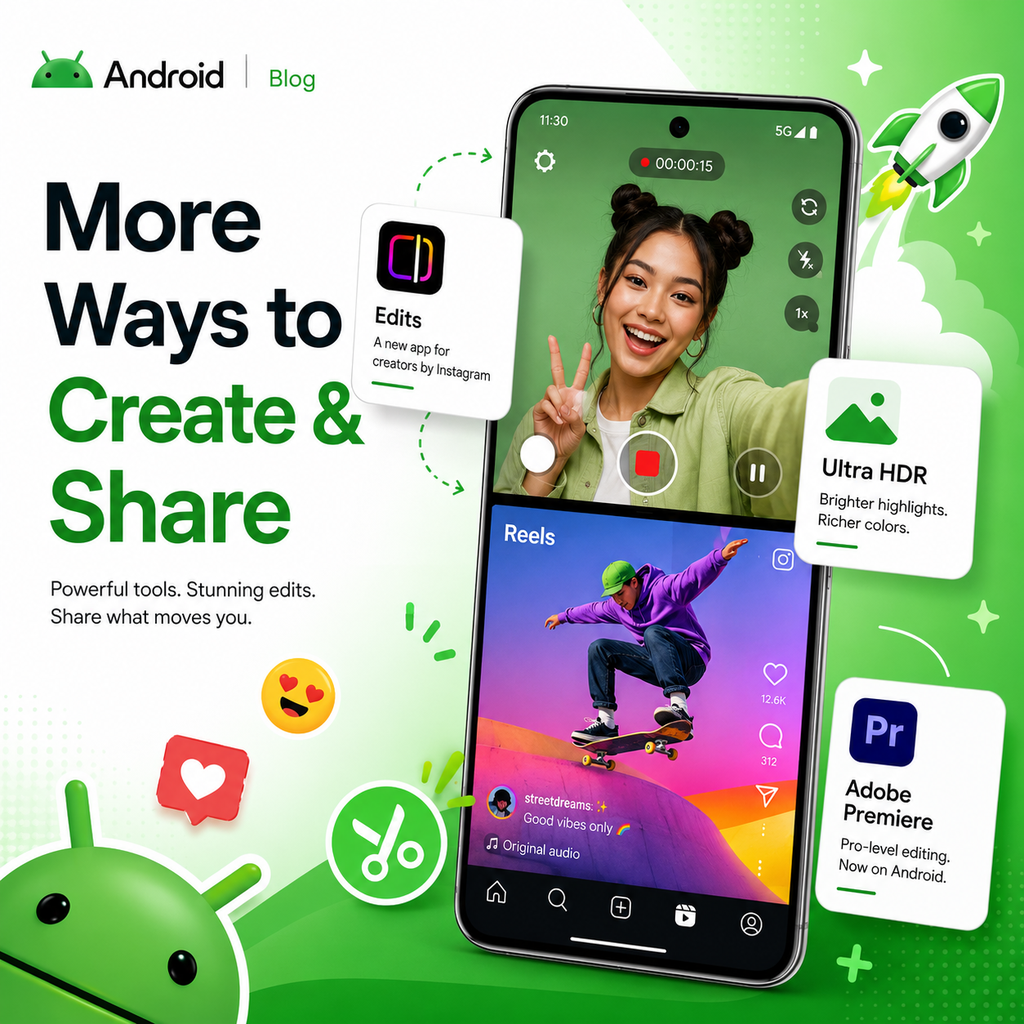
Screen Reactions: A New Way to Capture Authentic Moments
Android 17 introduces Screen Reactions, a feature that lets you record yourself and your screen simultaneously with just a few taps. No more juggling apps or setting up a green screen. Whether you're reacting to a trending clip, a wild comment section, or your latest gift guide, this tool overlays your live response directly onto the content. It keeps things authentic and streamlines the creative process, letting you focus on your reaction rather than the setup. Screen Reactions will roll out first on Pixel devices this summer, giving creators a seamless way to produce engaging reaction videos on the go.
Instagram Gets a Major Upgrade on Android
Thanks to a collaboration with Meta, Instagram on Android is getting powerful enhancements. You can now capture and upload in Ultra HDR, giving your photos and videos lifelike vibrancy with colors that pop. Built-in video stabilization keeps your clips smooth, even when you're walking or dancing. Night Sight integration ensures you capture the perfect shot in low light. Beyond these camera upgrades, Google has optimized the entire capture-to-upload pipeline, so your content remains stunningly sharp when you hit "post." In side-by-side tests using the Universal Video Quality (UVQ) model, videos captured and uploaded from Android flagship devices scored the same or better than the leading competitor.
Edits App: AI-Powered Tools for Quick Polishing
Instagram's Edits app, exclusive to Android, now features on-device AI to speed up your workflow. Smart Enhance lets you upscale photos and videos with a single tap, instantly improving quality. Sound Separation identifies and isolates audio layers—like wind, noise, and music—so you can boost desired sounds and remove unwanted distractions. No more retakes due to interruptions. These tools turn raw footage into polished content in seconds, making the editing process more efficient than ever.
Professional-Grade Editing with Adobe Premiere on Android
Adobe Premiere is coming to Android this summer, transforming your device into a mobile workstation. The app offers exclusive templates and effects for creating YouTube Shorts directly from your phone. For professional filmmakers, the APV (Advanced Professional Video) format, co-developed with Samsung, is now supported. APV is the most storage-efficient pro format available, powered by dedicated hardware acceleration on the Snapdragon 8 Elite Gen 5. It's available now on the Samsung Galaxy S26 Ultra and vivo X300 Ultra, with more flagships rolling out later this year. This integration brings professional editing capabilities to your fingertips, helping you stand out in the feed.
Optimized for Tablets and Larger Screens
Instagram is now fully optimized for Android tablets, making the most of large-screen real estate. You get a multi-column layout that allows you to view content and browse reactions simultaneously. This adaptation provides a more natural and productive experience for creators who prefer a larger canvas to fine-tune their work. Whether you're posting from a tablet or a foldable, the interface feels intuitive and responsive, enabling you to manage your content and engage with your audience more effectively.
Bringing It All Together: A Seamless Creative Workflow
Android 17's new features are designed to reduce friction between capturing, editing, and sharing. From Screen Reactions to Instagram's AI tools and Adobe Premiere's professional capabilities, each update focuses on helping you create high-quality content quickly. The emphasis on on-device AI and optimized pipelines ensures that your final product retains its quality across platforms. Whether you're a casual creator or a professional filmmaker, these tools empower you to spend less time fiddling with apps and more time bringing your creative vision to life. Check out the Android Show to see how these updates can transform your workflow.