

 Русский
 Turkish
 Português (Brasil)
 한국어
한국어 العربية
 Español
 ไทย
ไทย Tiếng Việt
 Français
 中文
中文 Deutsch
 Bahasa Indonesia
 Italiano
 日本語
日本語 Polski
 Українська
 فارسی
فارسی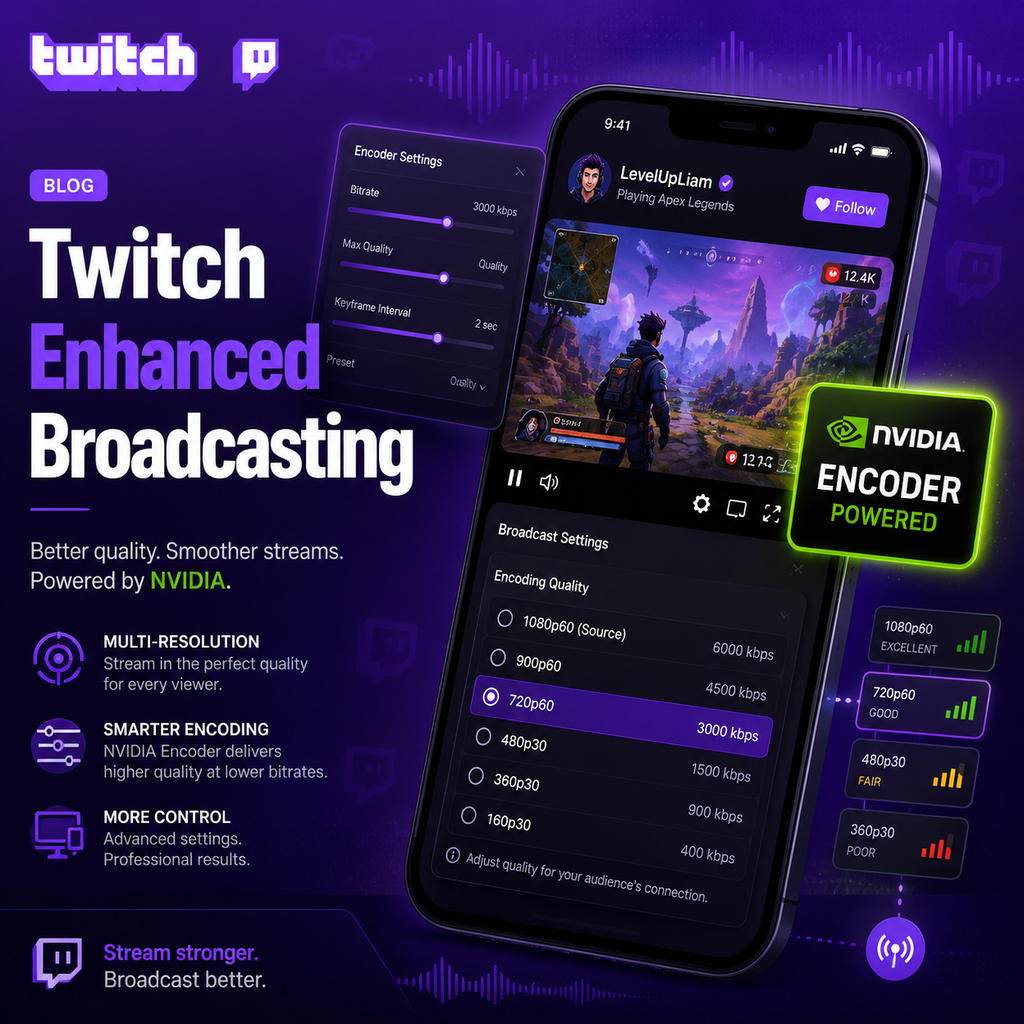
Level Up Your Stream With Twitch Enhanced Broadcasting
Twitch Enhanced Broadcasting is changing the game for livestreamers. Powered by NVIDIA encoders, this feature lets you broadcast multiple video versions simultaneously. This means your viewers get the best possible quality their connection can handle, without you having to tweak settings endlessly. And with the closed beta now supporting HEVC, you can enjoy 25% better efficiency over H.264 — cleaner, sharper video even in fast-paced games.
What Is Twitch Enhanced Broadcasting?
Traditional streaming sends a single encoded video to Twitch's servers, which then transcodes it into multiple resolutions. This often results in lower quality for viewers, especially if the stream pushes high bitrates. Twitch Enhanced Broadcasting, developed in collaboration with NVIDIA and OBS, flips this approach. Instead of relying on server-side transcoding, it leverages the dedicated hardware encoder (NVENC) on GeForce RTX GPUs to generate multiple streams locally—each with different resolutions and bitrates. Twitch then delivers the optimal version to each viewer, ensuring a smooth experience regardless of their internet speed. Think of it as giving your audience a personalized live stream, all from a single upload.
Key Benefits for Streamers
Optimized Viewer Experience
With Enhanced Broadcasting, every viewer receives the highest quality stream their connection allows. This reduces buffering and pixelation, especially for viewers with slower internet. The feature automates configuration based on your hardware and upload speed, so you don't need to be a tech wizard—OBS automatically selects the best encoder settings.
Preserve PC Performance
Since all encoding happens on the dedicated NVENC hardware, your GPU and CPU are freed up to focus on gaming. This means smooth frame rates even during intense gameplay, without sacrificing video quality. The dedicated encoder handles the heavy lifting, so you can stream and play without compromise.
How to Get Started
To join the Enhanced Broadcasting beta, head to your Twitch Creator Dashboard and sign up via the Streaming Tools page. Once accepted, you'll receive instructions to download the beta version of OBS. In OBS, navigate to Settings > Stream, log into Twitch, then check the "Enable Enhanced Broadcasting" option under Multitrack Video. Keep Maximum Streaming Bandwidth and Maximum Video Tracks on Auto for optimal performance. For now, select Hardware (NVENC, H.264) as the encoder—HEVC and AV1 support will roll out later.
HEVC and AV1: The Next Codec Revolution
The Enhanced Broadcasting beta currently supports HEVC (H.265) with the NVIDIA encoder, offering 25% improved efficiency over H.264. This means your stream looks like it's using 25% more bitrate—better quality, fewer artifacts. Looking ahead, NVIDIA and Twitch are working on AV1 support, exclusive to GeForce RTX 40 Series GPUs. AV1 promises 40% more encoding efficiency than H.264, delivering stunning video at lower bitrates. This is a game-changer for high-motion content and future-proofing your stream.
Optimized Settings for Maximum Quality
Once Enhanced Broadcasting is enabled, OBS automatically configures your settings. But to fine-tune: set your base resolution to your normal gaming resolution and output (scaled) resolution based on your upload speed. For the encoder, select Hardware (NVENC, H.264) for Twitch, or Hardware (NVENC, HEVC) if you're testing the beta. Use the P6 encoder preset for the best balance of quality and performance. Bitrate depends on your upload speed—aim for about 75% of your maximum upload. Twitch's current limit is 6000 Kbps, but Enhanced Broadcasting may allow higher bitrates in the future.
Embrace the Future of Livestreaming
Twitch Enhanced Broadcasting, together with NVIDIA's powerful encoders, marks a major leap forward for content creators. You no longer have to choose between high-quality video and smooth gameplay. With multi-stream encoding, automatic configuration, and cutting-edge codecs, you can deliver a superior viewing experience to your entire audience—from mobile viewers to those on fiber connections. Whether you're a casual streamer or a professional esports broadcaster, this technology makes it easier than ever to share your content in the best possible light. The future of livestreaming is here, and it's more accessible than you think.