

 English
 Русский
 Turkish
 Português (Brasil)
 한국어
한국어 العربية
 Español
 ไทย
ไทย Tiếng Việt
 Français
 中文
中文 Deutsch
 Bahasa Indonesia
 Italiano
 日本語
日本語 Polski
 فارسی
فارسی


Початок роботи: створіть свій сервер Discord за лічені хвилини
Сервери Discord — це спеціально створені простори, де ви можете спілкуватися з друзями, родиною або цілими спільнотами, об'єднаними спільними інтересами. Незалежно від того, чи плануєте ви приватну зустріч для своєї ігрової команди, чи публічний хаб для навчальної групи, створення сервера — це швидко й просто. Весь процес займає лише кілька хвилин, і ви завжди можете змінити деталі пізніше. Давайте розглянемо основні кроки, щоб запустити ваш сервер.
Крок 1: Налаштуйте основу сервера
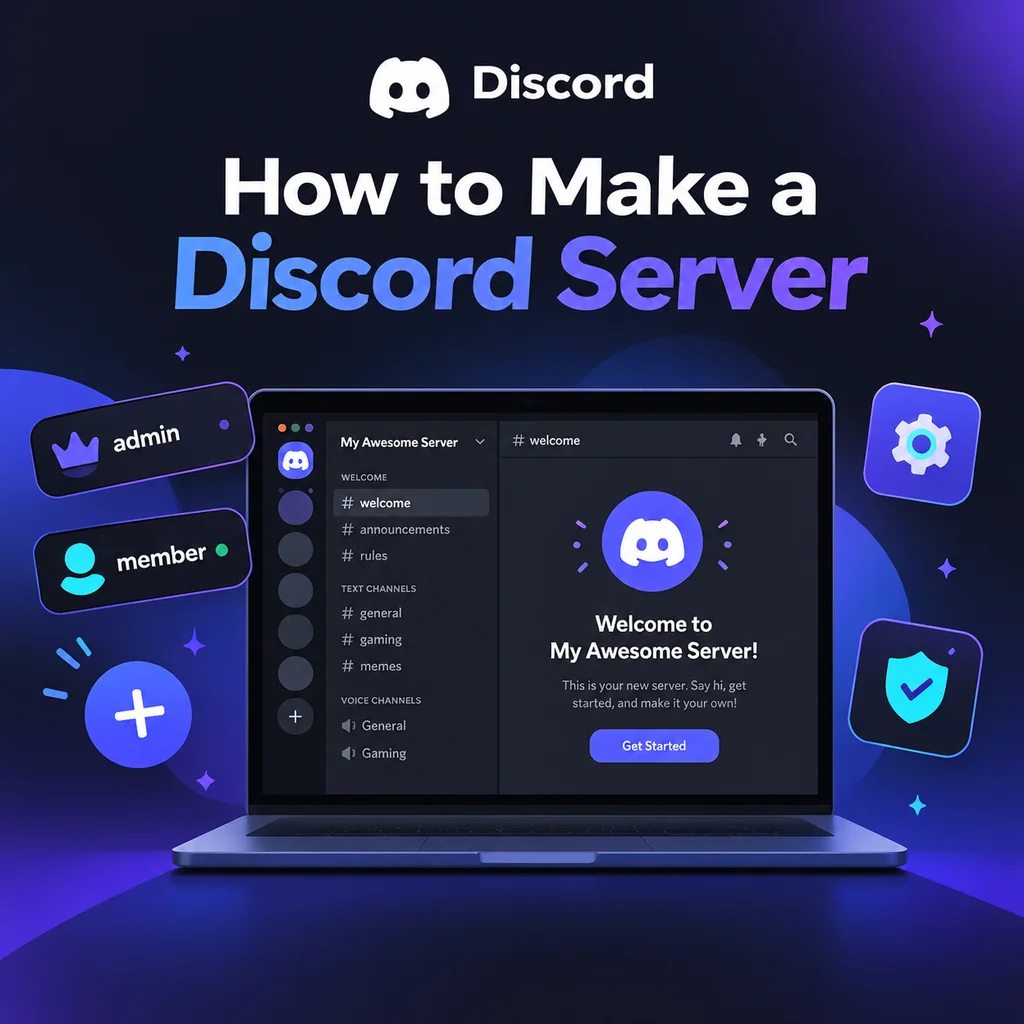
Спочатку завантажте додаток Discord або відкрийте його у браузері. Після входу знайдіть іконку Додати сервер — символ плюса, який зазвичай розташований внизу списку серверів ліворуч. Натисніть на неї, і вам буде запропоновано варіанти: Створити власний або Почати з шаблону. Для більшості користувачів створення власного сервера дає повний контроль. Далі виберіть, чи ваш сервер Для мене та моїх друзів (приватний) або Для клубу чи спільноти (публічний). Цей вибір впливає на дозволи за замовчуванням, але його можна змінити пізніше. Потім назвіть сервер і за бажанням завантажте іконку. Іконка повинна бути не менше 128x128 пікселів, але квадратне зображення 512x512 підходить найкраще. Нарешті, натисніть Створити, і ваш сервер запрацює з каналами за замовчуванням, такими як #general та General voice.
Порада: не перевантажуйте себе вибором назви та іконки
Ви можете змінити їх у будь-який час у налаштуваннях сервера, тому виберіть щось просте й починайте. Справжня магія відбувається під час налаштування.
Крок 2: Розробіть структуру каналів
Канали — це серце вашого сервера, вони організовують розмови за темами. Нові сервери часто страждають від занадто великої кількості каналів, що може створити відчуття безлюдності. Почніть з мінімального набору: канал привітання (#rules, #announcements), загальний чат (#general), медіа-канал (#media) і кілька голосових кімнат. Використовуйте категорії для групування пов'язаних каналів; клацніть правою кнопкою миші на списку каналів, щоб створити категорію, а потім перетягніть канали в неї. Наприклад, створіть категорію 📢 Вітання з #rules та #announcements, категорію 💬 Чат з #general та #media, і категорію 🔊 Голос з Lounge 1 та Lounge 2. У міру зростання спільноти ви можете додавати більше каналів за потребою.
Найкращі практики організації каналів
- Будьте простими: менше каналів означає більш зосереджені розмови.
- Використовуйте категорії: вони запобігають безладу та допомагають учасникам орієнтуватися.
- Додавайте канали поступово: створюйте новий канал лише тоді, коли існуючий стає занадто завантаженим.
Крок 3: Опануйте ролі та дозволи
Ролі визначають, що учасники можуть бачити та робити. Ієрархія ролей у Discord є низхідною: ролі, вищі у списку, мають більше повноважень. Перейдіть до Налаштування сервера → Ролі, щоб створити ролі, як-от @admin, @moderator, @member та @unverified. Призначайте дозволи обережно — давайте кожній ролі лише те, що їй потрібно. Наприклад, @moderator може мати права на кік, бан та керування повідомленнями, тоді як @member має базовий доступ. Поширена помилка — надання прав адміністратора всім; уникайте цього, якщо це не абсолютно необхідно. Також пам'ятайте, що ролі ботів повинні бути розташовані вище ролей, якими вони керують. Цей простий крок запобігає багатьом проблемам у майбутньому.
Дозволи для конкретних каналів
Ви можете перевизначити дозволи ролей для кожного каналу. Наприклад, у #announcements встановіть для @everyone режим лише читання, щоб лише персонал міг публікувати. Клацніть правою кнопкою миші на каналі, виберіть Редагувати канал → Дозволи та налаштуйте за потреби. Так ви створюєте приватні канали для персоналу або обмежуєте доступ до певних областей.
Крок 4: Налаштуйте параметри сервера та безпеку
Перш ніж когось запрошувати, перейдіть до Налаштування сервера → Огляд. Встановіть рівень перевірки принаймні як Середній (потрібна підтверджена електронна пошта), щоб стримувати ботів і рейди. У розділі Налаштування безпеки увімкніть AutoMod і налаштуйте фільтри для спаму та неприйнятного вмісту. Також встановіть сповіщення за замовчуванням на Лише @згадки, щоб учасники не були перевантажені пінгами. Ці невеликі зміни дуже допомагають підтримувати здорову спільноту.
Крок 5: Покращте за допомогою ботів і вітальних повідомлень
Боти додають функціональність, як-от модерація, музика та ігри. Запросіть кілька основних: бот модерації (наприклад, Dyno), бот реакційних ролей (наприклад, Carl-bot) і вітальний бот. Під час запрошення надавайте лише необхідні дозволи — ніколи не давайте права адміністратора, якщо ви не довіряєте боту повністю. Після додавання перетягніть роль бота вище ролей, якими він повинен керувати. Також напишіть вітальне повідомлення та закріпіть його в #rules. Тримайте правила стислими та чіткими; стіна тексту не буде прочитана. Простий набір, як-от «Будьте ввічливими, без спаму, дотримуйтесь теми», працює добре.
Перевірка вашої конфігурації
Перш ніж поділитися сервером, перевірте його за допомогою альтернативного акаунта. Приєднайтеся як новий учасник і переконайтеся, що ви бачите потрібні канали, що дозволи працюють належним чином і що боти функціонують правильно. Виправити проблеми зараз набагато легше, ніж після того, як у вас буде сто учасників.
Крок 6: Запросіть учасників і розвивайте спільноту
Запросіть друзів через кнопку Запросити людей або створивши посилання-запрошення. Для приватних серверів використовуйте одноразові запрошення, які діють 24 години. Для публічних серверів ви можете створити постійне запрошення. Поділіться ним у соціальних мережах, відповідних субредітах або на сайтах зі списками серверів Discord. Перші кілька учасників мають вирішальне значення — підтримуйте активність, регулярно спілкуючись і проводячи заходи. Розгляньте можливість додавання vanity URL, коли ваш сервер досягне Boost Level 3. Пам'ятайте, сервер процвітає завдяки залученню: плануйте ігрові вечори, спільні перегляди фільмів або навчальні сесії, щоб дати учасникам причину повертатися.
Створення сервера Discord — це лише початок. Справжнє мистецтво полягає в плеканні простору, де люди почуваються бажаними та з нетерпінням беруть участь. Починаючи просто, зосереджуючись на потребах вашої спільноти та вдосконалюючись на основі відгуків, ви збудуєте яскравий хаб, який витримає випробування часом. Тож вперед — натисніть кнопку плюс і розпочніть свою подорож сьогодні!