

 English
 Русский
 Turkish
 Português (Brasil)
 한국어
한국어 العربية
 Español
 ไทย
ไทย Français
 中文
中文 Deutsch
 Bahasa Indonesia
 Italiano
 日本語
日本語 Polski
 Українська
 فارسی
فارسی


Bắt Đầu: Tạo Máy Chủ Discord Của Bạn Trong Vài Phút
Máy chủ Discord là không gian tùy chỉnh nơi bạn có thể kết nối với bạn bè, gia đình hoặc toàn bộ cộng đồng xoay quanh một sở thích chung. Cho dù bạn đang lên kế hoạch cho một buổi gặp gỡ riêng tư cho nhóm chơi game của mình hay một trung tâm công khai cho nhóm học tập, việc tạo một máy chủ rất nhanh chóng và đơn giản. Toàn bộ quá trình chỉ mất vài phút và bạn luôn có thể điều chỉnh chi tiết sau. Hãy cùng điểm qua các bước thiết yếu để máy chủ của bạn hoạt động.
Bước 1: Thiết Lập Nền Tảng Máy Chủ Của Bạn
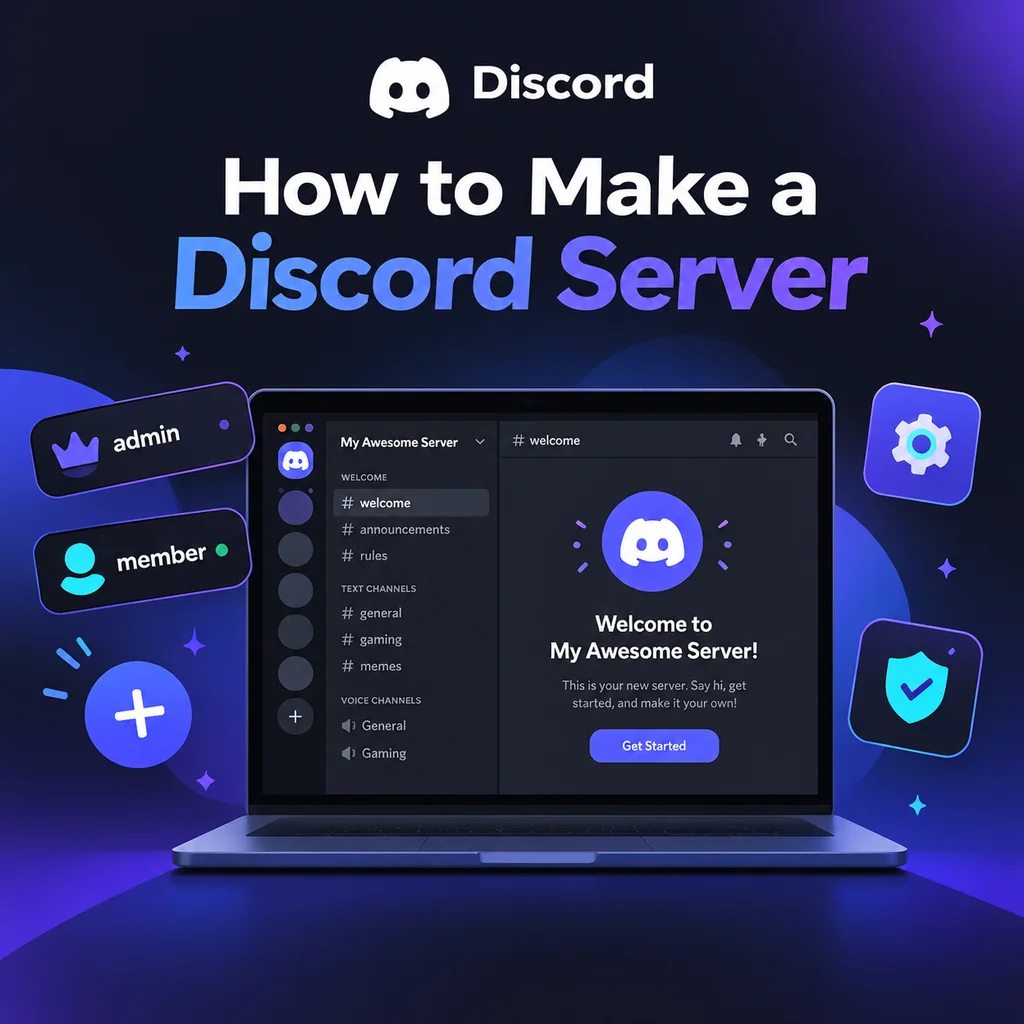
Đầu tiên, tải ứng dụng Discord hoặc mở nó trong trình duyệt của bạn. Sau khi đăng nhập, tìm biểu tượng Thêm Máy Chủ—một dấu cộng thường nằm ở cuối danh sách máy chủ của bạn bên trái. Nhấp vào đó, và bạn sẽ được cung cấp các tùy chọn: Tạo Của Riêng Tôi hoặc Bắt Đầu Từ Mẫu. Đối với hầu hết người dùng, việc tạo của riêng bạn cho bạn toàn quyền kiểm soát. Tiếp theo, chọn máy chủ của bạn là Cho tôi và bạn bè (riêng tư) hay Cho một câu lạc bộ hoặc cộng đồng (công khai). Lựa chọn này ảnh hưởng đến quyền mặc định nhưng có thể điều chỉnh sau. Sau đó, đặt tên cho máy chủ của bạn và tùy chọn tải lên biểu tượng. Biểu tượng phải có kích thước ít nhất 128x128 pixel, nhưng hình vuông 512x512 là tốt nhất. Cuối cùng, nhấp Tạo, và máy chủ của bạn sẽ hoạt động với các kênh mặc định như #general và General voice.
Mẹo Hay: Đừng Quá Bận Tâm Về Tên và Biểu Tượng
Bạn có thể thay đổi cả hai bất cứ lúc nào trong Cài Đặt Máy Chủ, vì vậy hãy chọn một cái gì đó đơn giản và bắt đầu. Điều kỳ diệu thực sự xảy ra khi bạn tùy chỉnh.
Bước 2: Thiết Kế Cấu Trúc Kênh Của Bạn
Kênh là trái tim của máy chủ—chúng tổ chức các cuộc trò chuyện theo chủ đề. Các máy chủ mới thường gặp vấn đề với quá nhiều kênh, khiến không gian có cảm giác hoang vắng. Bắt đầu với một bộ tối thiểu: kênh chào mừng (#rules, #announcements), một kênh trò chuyện chung (#general), một kênh phương tiện (#media), và một vài phòng thoại. Sử dụng danh mục để nhóm các kênh liên quan; nhấp chuột phải vào danh sách kênh để tạo danh mục, sau đó kéo các kênh vào đó. Ví dụ: tạo danh mục 📢 Chào Mừng với #rules và #announcements, danh mục 💬 Trò Chuyện với #general và #media, và danh mục 🔊 Thoại với Lounge 1 và Lounge 2. Khi cộng đồng của bạn phát triển, bạn có thể thêm nhiều kênh hơn dựa trên nhu cầu.
Thực Hành Tốt Nhất Để Tổ Chức Kênh
- Giữ đơn giản: Ít kênh hơn có nghĩa là các cuộc trò chuyện tập trung hơn.
- Sử dụng danh mục: Chúng ngăn chặn sự lộn xộn và giúp thành viên điều hướng.
- Thêm kênh dần dần: Chỉ tạo kênh mới khi kênh hiện có quá bận rộn.
Bước 3: Nắm Vững Vai Trò và Quyền
Vai trò xác định những gì thành viên có thể thấy và làm. Hệ thống phân cấp vai trò của Discord là từ trên xuống: các vai trò cao hơn trong danh sách có nhiều quyền hơn. Đi đến Cài Đặt Máy Chủ → Vai Trò để tạo các vai trò như @admin, @moderator, @member và @unverified. Gán quyền cẩn thận—chỉ cấp cho mỗi vai trò những gì nó cần. Ví dụ: @moderator có thể có quyền kick, ban và quản lý tin nhắn, trong khi @member có quyền truy cập cơ bản. Một sai lầm phổ biến là cấp quyền Quản Trị Viên cho tất cả mọi người; tránh điều đó trừ khi thực sự cần thiết. Ngoài ra, hãy nhớ rằng bot cần vai trò của chúng được đặt trên các vai trò mà chúng quản lý. Bước đơn giản này ngăn ngừa nhiều rắc rối sau này.
Quyền Cụ Thể Cho Từng Kênh
Bạn có thể ghi đè quyền vai trò cho từng kênh. Ví dụ: trong #announcements, đặt @everyone thành chỉ đọc, để chỉ nhân viên có thể đăng bài. Nhấp chuột phải vào một kênh, chọn Chỉnh Sửa Kênh → Quyền và điều chỉnh khi cần. Đây là cách bạn tạo các kênh riêng cho nhân viên hoặc hạn chế quyền truy cập vào một số khu vực nhất định.
Bước 4: Cấu Hình Cài Đặt Máy Chủ và An Toàn
Trước khi mời bất kỳ ai, hãy đến Cài Đặt Máy Chủ → Tổng Quan. Đặt mức xác minh ít nhất là Trung Bình (yêu cầu email đã xác minh) để ngăn chặn bot và các cuộc tấn công. Trong Thiết Lập An Toàn, bật AutoMod và thiết lập bộ lọc cho spam và nội dung khiêu dâm. Ngoài ra, đặt thông báo mặc định thành Chỉ @mentions để thành viên không bị quá tải bởi thông báo. Những điều chỉnh nhỏ này giúp duy trì một cộng đồng lành mạnh.
Bước 5: Nâng Cao Với Bot và Tin Nhắn Chào Mừng
Bot thêm chức năng như kiểm duyệt, âm nhạc và trò chơi. Mời một vài bot thiết yếu: bot kiểm duyệt (ví dụ: Dyno), bot vai trò phản ứng (ví dụ: Carl-bot) và bot chào mừng. Khi mời, chỉ cấp các quyền cần thiết—không bao giờ cấp Quản Trị Viên trừ khi bạn hoàn toàn tin tưởng bot. Sau khi thêm, kéo vai trò của bot lên trên các vai trò mà nó cần quản lý. Ngoài ra, viết một tin nhắn chào mừng và ghim nó trong #rules. Giữ quy tắc ngắn gọn và rõ ràng; một bức tường văn bản sẽ không được đọc. Một bộ đơn giản như "Tôn trọng, không spam, giữ đúng chủ đề" hoạt động tốt.
Kiểm Tra Thiết Lập Của Bạn
Trước khi chia sẻ máy chủ của bạn, hãy kiểm tra nó bằng một tài khoản phụ. Tham gia như một thành viên mới và kiểm tra rằng bạn có thể thấy các kênh phù hợp, quyền hoạt động như dự định và bot hoạt động chính xác. Sửa lỗi bây giờ dễ dàng hơn nhiều so với sau khi bạn có hàng trăm thành viên.
Bước 6: Mời Thành Viên và Phát Triển Cộng Đồng
Mời bạn bè qua nút Mời Mọi Người hoặc bằng cách tạo liên kết mời. Đối với máy chủ riêng tư, sử dụng lời mời dùng một lần hết hạn sau 24 giờ. Đối với máy chủ công khai, bạn có thể tạo lời mời vĩnh viễn. Chia sẻ nó trên mạng xã hội, các subreddit liên quan hoặc các trang danh sách máy chủ Discord. Những thành viên đầu tiên rất quan trọng—tạo hoạt động bằng cách trò chuyện thường xuyên và tổ chức sự kiện. Cân nhắc thêm URL vanity khi máy chủ của bạn đạt Cấp Boost 3. Hãy nhớ rằng, một máy chủ phát triển nhờ tương tác: lên lịch các đêm chơi game, buổi xem phim hoặc buổi học nhóm để cho thành viên lý do quay lại.
Tạo một máy chủ Discord chỉ là khởi đầu. Nghệ thuật thực sự nằm ở việc nuôi dưỡng một không gian nơi mọi người cảm thấy được chào đón và hào hứng tham gia. Bằng cách bắt đầu đơn giản, tập trung vào nhu cầu của cộng đồng và lặp lại dựa trên phản hồi, bạn sẽ xây dựng một trung tâm sôi động vượt qua thử thách của thời gian. Vậy hãy tiến lên—nhấn nút cộng đó và bắt đầu hành trình của bạn ngay hôm nay!