

 English
 Русский
 Turkish
 Português (Brasil)
 한국어
한국어 العربية
 Español
 ไทย
ไทย Tiếng Việt
 Français
 中文
中文 Deutsch
 Italiano
 日本語
日本語 Polski
 Українська
 فارسی
فارسی


Memulai: Buat Server Discord Anda dalam Hitungan Menit
Server Discord adalah ruang khusus yang dapat Anda bangun untuk terhubung dengan teman, keluarga, atau seluruh komunitas yang dibentuk berdasarkan minat yang sama. Baik Anda merencanakan tempat nongkrong pribadi untuk tim game atau pusat publik untuk grup belajar, membuat server itu cepat dan mudah. Seluruh prosesnya hanya memakan waktu beberapa menit, dan Anda selalu dapat menyesuaikan detailnya nanti. Mari kita bahas langkah-langkah penting untuk membuat server Anda aktif dan berjalan.
Langkah 1: Siapkan Fondasi Server Anda
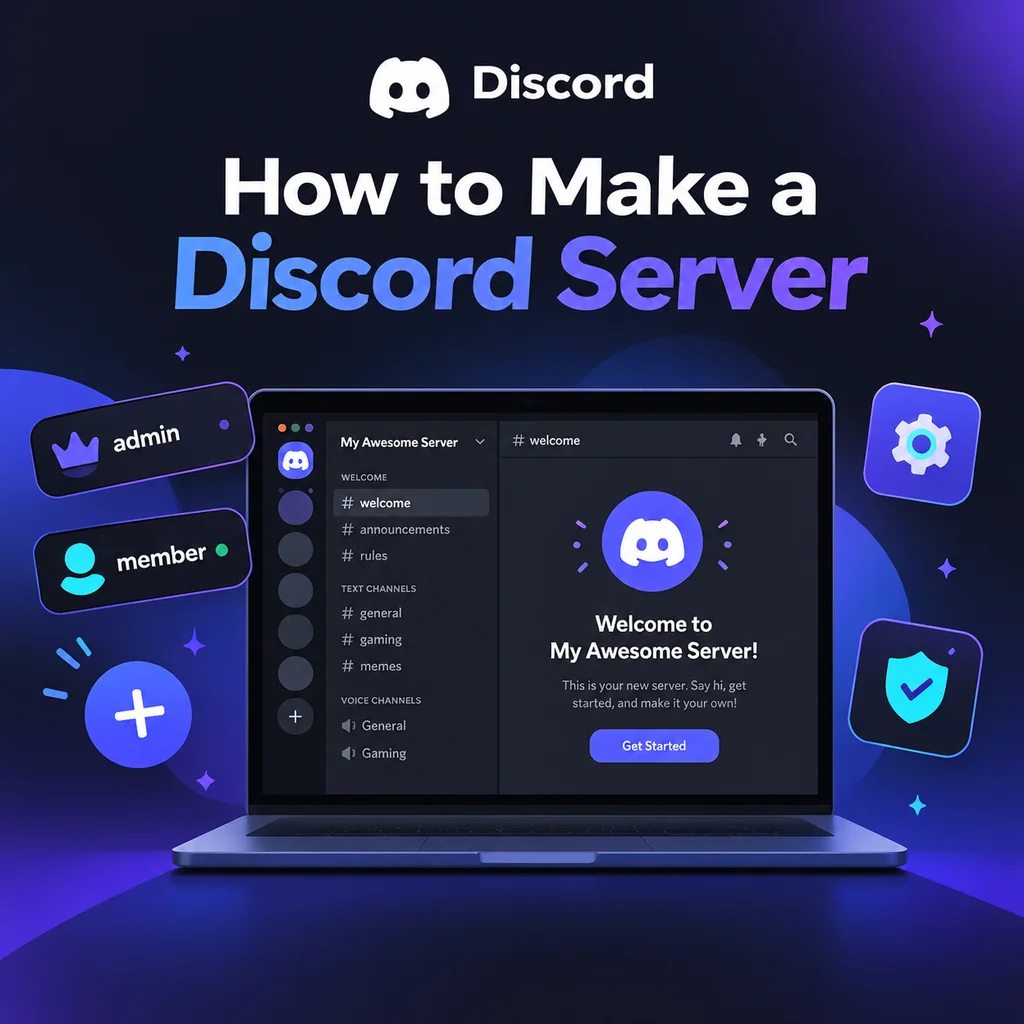
Pertama, unduh aplikasi Discord atau buka di browser Anda. Setelah masuk, cari ikon Tambahkan Server—simbol plus yang biasanya ada di bagian bawah daftar server Anda di sebelah kiri. Klik, dan Anda akan disajikan opsi: Buat Milik Saya Sendiri atau Mulai dari Template. Untuk sebagian besar pengguna, membuat sendiri memberi Anda kendali penuh. Selanjutnya, pilih apakah server Anda Untuk saya dan teman-teman saya (pribadi) atau Untuk klub atau komunitas (publik). Pilihan ini memengaruhi izin default tetapi dapat disesuaikan nanti. Kemudian, beri nama server Anda dan opsional unggah ikon. Ikon harus setidaknya 128x128 piksel, tetapi gambar persegi 512x512 paling baik. Terakhir, klik Buat, dan server Anda langsung aktif dengan saluran default seperti #general dan General voice.
Tips Pro: Jangan Terlalu Memikirkan Nama dan Ikon
Anda dapat mengubah keduanya kapan saja di Pengaturan Server, jadi pilih yang sederhana dan mulai. Keajaiban sebenarnya terjadi saat Anda menyesuaikannya.
Langkah 2: Rancang Struktur Saluran Anda
Saluran adalah jantung server Anda—mereka mengatur percakapan berdasarkan topik. Server baru sering menderita karena terlalu banyak saluran, yang dapat membuat ruang terasa sepi. Mulailah dengan set minimal: saluran sambutan (#rules, #announcements), obrolan umum (#general), saluran media (#media), dan beberapa ruang suara. Gunakan kategori untuk mengelompokkan saluran terkait; klik kanan daftar saluran untuk membuat kategori, lalu seret saluran ke dalamnya. Misalnya, buat kategori 📢 Sambutan dengan #rules dan #announcements, kategori 💬 Obrolan dengan #general dan #media, dan kategori 🔊 Suara dengan Lounge 1 dan Lounge 2. Saat komunitas Anda tumbuh, Anda dapat menambahkan lebih banyak saluran berdasarkan permintaan.
Praktik Terbaik untuk Organisasi Saluran
- Jaga kesederhanaan: Lebih sedikit saluran berarti percakapan lebih fokus.
- Gunakan kategori: Mereka mencegah kekacauan dan membantu anggota menavigasi.
- Tambahkan saluran secara bertahap: Hanya buat saluran baru ketika saluran yang ada terlalu sibuk.
Langkah 3: Kuasai Peran dan Izin
Peran menentukan apa yang dapat dilihat dan dilakukan anggota. Hierarki peran Discord dari atas ke bawah: peran yang lebih tinggi dalam daftar memiliki lebih banyak kekuatan. Buka Pengaturan Server → Peran untuk membuat peran seperti @admin, @moderator, @member, dan @unverified. Tetapkan izin dengan hati-hati—beri setiap peran hanya apa yang dibutuhkannya. Misalnya, @moderator mungkin memiliki kick, ban, dan kelola pesan, sementara @member memiliki akses dasar. Jebakan umum adalah memberikan Administrator kepada semua orang; hindari itu kecuali benar-benar diperlukan. Juga, ingat bahwa bot memerlukan peran mereka diposisikan di atas peran yang mereka kelola. Langkah sederhana ini mencegah banyak sakit kepala nanti.
Izin Khusus Saluran
Anda dapat menimpa izin peran per saluran. Misalnya, di #announcements, atur @everyone menjadi hanya-baca, sehingga hanya staf yang dapat memposting. Klik kanan saluran, pilih Edit Saluran → Izin, dan sesuaikan sesuai kebutuhan. Ini adalah cara Anda membuat saluran staf pribadi atau membatasi akses ke area tertentu.
Langkah 4: Konfigurasikan Pengaturan Server dan Keamanan
Sebelum mengundang siapa pun, buka Pengaturan Server → Ikhtisar. Atur tingkat verifikasi setidaknya Sedang (memerlukan email terverifikasi) untuk mencegah bot dan raid. Di bawah Pengaturan Keamanan, aktifkan AutoMod dan atur filter untuk spam dan konten eksplisit. Juga, atur notifikasi default ke Hanya @mentions agar anggota tidak kewalahan oleh ping. Penyesuaian kecil ini sangat membantu dalam menjaga komunitas yang sehat.
Langkah 5: Tingkatkan dengan Bot dan Pesan Sambutan
Bot menambahkan fungsionalitas seperti moderasi, musik, dan game. Undang beberapa yang penting: bot moderasi (misalnya, Dyno), bot peran reaksi (misalnya, Carl-bot), dan bot sambutan. Saat mengundang, berikan hanya izin yang diperlukan—jangan pernah memberikan Administrator kecuali Anda sepenuhnya mempercayai bot tersebut. Setelah menambahkan, seret peran bot di atas peran yang perlu dikelolanya. Juga, tulis pesan sambutan dan sematkan di #rules. Jaga aturan tetap ringkas dan jelas; dinding teks tidak akan dibaca. Set sederhana seperti "Hormati sesama, tanpa spam, tetap pada topik" berfungsi dengan baik.
Menguji Pengaturan Anda
Sebelum membagikan server Anda, uji dengan akun alternatif. Bergabunglah sebagai anggota baru dan periksa bahwa Anda dapat melihat saluran yang benar, bahwa izin berfungsi sebagaimana mestinya, dan bahwa bot berfungsi dengan benar. Memperbaiki masalah sekarang jauh lebih mudah daripada setelah Anda memiliki seratus anggota.
Langkah 6: Undang Anggota dan Kembangkan Komunitas Anda
Undang teman melalui tombol Undang Orang atau dengan membuat tautan undangan. Untuk server pribadi, gunakan undangan sekali pakai yang kedaluwarsa dalam 24 jam. Untuk server publik, Anda dapat membuat undangan permanen. Bagikan di media sosial, subreddit yang relevan, atau situs daftar server Discord. Beberapa anggota pertama sangat penting—mulai aktivitas dengan mengobrol secara teratur dan mengadakan acara. Pertimbangkan menambahkan URL vanity setelah server Anda mencapai Boost Level 3. Ingat, server berkembang melalui keterlibatan: jadwalkan malam game, pesta menonton film, atau sesi belajar untuk memberi anggota alasan untuk kembali.
Membuat server Discord hanyalah awal. Seni sebenarnya terletak pada merawat ruang di mana orang merasa diterima dan bersemangat untuk berpartisipasi. Dengan memulai sederhana, fokus pada kebutuhan komunitas Anda, dan melakukan iterasi berdasarkan umpan balik, Anda akan membangun pusat yang dinamis yang tahan uji waktu. Jadi, silakan—tekan tombol plus itu dan mulai perjalanan Anda hari ini!