Skip to content
Iamprovider
Hindi
EnglishРусскийTurkishPortuguês (Brasil)한국어العربيةEspañolไทยTiếng ViệtFrançais中文DeutschBahasa IndonesiaItaliano日本語PolskiУкраїнськаفارسیSwahiliHindi
पीछे

Notes & guides

Our team (and this dog) present to you: 1080p streaming on Twitch

Our team (and this dog) present to you: 1080p streaming on Twitch

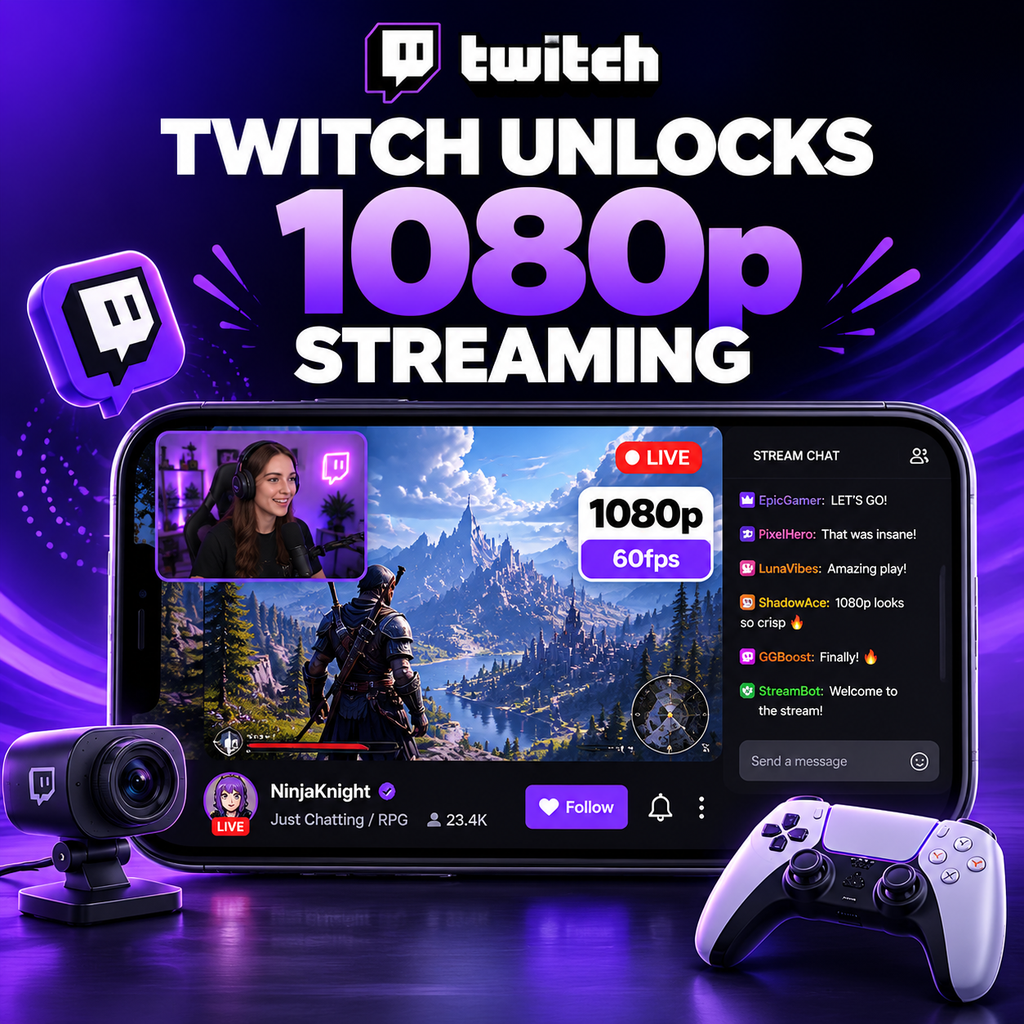
Twitch Finally Unlocks 1080p/60fps for Everyone

After years of confusion and varying bitrate limits, Twitch has officially expanded 1080p/60fps streaming to all users. Whether you're an affiliate, partner, or just starting out, you can now push your streams to the next level without worrying about arbitrary caps. The move comes as part of Twitch's ongoing effort to improve video quality and compete with platforms like YouTube Gaming. Let's dive into what this means for you and how to get the best possible 1080p stream.

Understanding the New 1080p Support

Twitch's previous stance on resolution was muddled. While there were no hard caps on resolution, bitrate limitations made 1080p at 60fps look blurry in fast-moving games. Now, with a recommended bitrate of 6000 kbps and a hard cap around 8500 kbps, you have enough bandwidth to deliver crisp 1080p video. Importantly, this isn't just for partners—any streamer can select 1080p in their encoder settings. However, without transcoding options, viewers with slower connections may struggle, so consider your audience.

Setting Up Your Encoder for 1080p

To stream in 1080p, start with OBS Studio or Streamlabs OBS. In Settings > Output, set your bitrate to 6000 kbps. Under Video, set your Base (Canvas) Resolution to 1920x1080 and Output (Scaled) Resolution to 1920x1080. For 60fps, set Common FPS Values to 60. If you have a powerful GPU, use the NVENC encoder with the "Max Quality" preset. For CPU encoding, use x264 with the "faster" or "fast" preset. Test your stream to ensure no dropped frames due to insufficient upload speed.

Optimizing Bitrate for Quality

While 6000 kbps is the recommended bitrate for 1080p60, you can push higher if your internet and Twitch's cap allow. Many streamers use 8000 kbps for improved clarity, especially in high-motion games. Twitch's hard limit is around 8500 kbps combined for audio and video. Use a bitrate that matches your content: fast-paced games like shooters benefit from higher bitrates, while slower games like puzzles can use less. Remember, your upload speed should be at least 1.5x your bitrate to avoid instability.

Advanced Tips for Better 1080p

If you're still not satisfied with quality, try these tweaks under Output > Advanced:

  • Multipass Mode: Set to "Quarter Res" for better allocation.
  • Look-ahead: Enable if using NVENC.
  • B-frames: Set to 4 for better compression.
  • Preset: Use "p7: Slowest" for NVENC or "slow" for x264 if you have CPU headroom.

Also, consider downscaling your webcam to 720p to free up resources. If hardware is an issue, drop to 936p (a common intermediate resolution) to maintain quality without the performance hit.

Common Pitfalls and How to Avoid Them

One major issue is the misconception that higher resolution always equals better quality. With Twitch's bitrate cap, 1080p at 6000 kbps can look worse than 720p at 6000 kbps because the bitrate is stretched thin. Use the Twitch Video Statistics panel to see the actual resolution delivered to viewers. If you see "Source" as 1080p but the bitrate is low, consider lowering resolution to 936p or adjusting encoder settings. Also, avoid streaming games at ultra settings if your GPU can't handle encoding—drop in-game settings for smoother streams.

Embracing the 1080p Future

Twitch's 1080p upgrade is a game-changer, but it requires smart settings to shine. By balancing bitrate, encoder presets, and content type, you can deliver a professional-looking stream. Experiment with your setup, gather feedback from viewers, and adjust accordingly. The key is understanding that 1080p is now accessible, but quality comes from optimization—not just resolution. With these tools, you can elevate your stream and keep your audience coming back for more.

EXPLORE I AM PROVIDER

Your next service starts here.

Browse the complete service library, platform by platform.

Instagram20
Buy Instagram FollowersBuy Instagram Auto LikesBuy Instagram Auto Video ViewsBuy Instagram CommentsBuy Instagram EngagementsBuy Instagram ImpressionsBuy Instagram LikesBuy Instagram Live Stream ViewsBuy Instagram MembersBuy Instagram MentionsBuy Instagram Old Post LikesBuy Instagram Old Post ViewsBuy Instagram Profile VisitsBuy Instagram ReachesBuy Instagram SavesBuy Instagram SharesBuy Instagram Story LikesBuy Instagram Story SharesBuy Instagram Story ViewsBuy Instagram Video Views
TikTok15
Buy TikTok CommentsBuy TikTok DownloadsBuy TikTok FollowersBuy TikTok LikesBuy TikTok Live Stream CommentsBuy TikTok Live Stream LikesBuy TikTok Live Stream SharesBuy TikTok Live Stream ViewsBuy TikTok PK Battle PointsBuy TikTok SavesBuy TikTok SharesBuy TikTok Story LikesBuy TikTok Story SharesBuy TikTok Story ViewsBuy TikTok Video Views
YouTube9
Buy YouTube Auto CommentsBuy YouTube Auto LikesBuy YouTube Auto Video ViewsBuy YouTube Comment LikesBuy YouTube CommentsBuy YouTube LikesBuy YouTube SharesBuy YouTube SubscribersBuy YouTube Video Views
X (Twitter)14
Buy X (Twitter) BookmarksBuy X (Twitter) CommentsBuy X (Twitter) Detail ClicksBuy X (Twitter) FollowersBuy X (Twitter) ImpressionsBuy X (Twitter) LikesBuy X (Twitter) Link ClicksBuy X (Twitter) MentionsBuy X (Twitter) Pool VotesBuy X (Twitter) Post ViewsBuy X (Twitter) Profile ClicksBuy X (Twitter) RepostsBuy X (Twitter) Space listenersBuy X (Twitter) Video Views
Facebook12
Buy Facebook CommentsBuy Facebook FollowersBuy Facebook Friend RequestsBuy Facebook LikesBuy Facebook Live Stream ViewsBuy Facebook Page FollowsBuy Facebook Page LikesBuy Facebook Post LikesBuy Facebook Post ReactionsBuy Facebook Profile FollowsBuy Facebook Story ViewsBuy Facebook Video Views
Telegram3
Buy Telegram MembersBuy Telegram Post ViewsBuy Telegram Reactions
Twitch6
Buy Twitch Channel ViewsBuy Twitch Clip ViewsBuy Twitch FollowersBuy Twitch Live Stream ViewsBuy Twitch Prime SubscribersBuy Twitch Video Views
Spotify4
Buy Spotify FollowersBuy Spotify ListenersBuy Spotify PlaysBuy Spotify Saves
SoundCloud5
Buy SoundCloud CommentsBuy SoundCloud FollowersBuy SoundCloud LikesBuy SoundCloud PlaysBuy SoundCloud Reposts
Threads5
Buy Threads CommentsBuy Threads FollowersBuy Threads LikesBuy Threads RepostsBuy Threads Shares
Likee4
Buy Likee CommentsBuy Likee FollowersBuy Likee LikesBuy Likee Shares
Discord1
Buy Discord Members
Reddit6
Buy Reddit CommentsBuy Reddit FollowersBuy Reddit Post ViewsBuy Reddit SharesBuy Reddit SubscribesBuy Reddit Upvotes
Kick2
Buy Kick FollowersBuy Kick Live Stream Views
LinkedIn3
Buy LinkedIn FollowersBuy LinkedIn LikesBuy LinkedIn Video Views
Pinterest5
Buy Pinterest FollowersBuy Pinterest LikesBuy Pinterest RepinsBuy Pinterest SavesBuy Pinterest Shares
OnlyFans3
Buy OnlyFans CommentsBuy OnlyFans FollowersBuy OnlyFans Likes
Snapchat4
Buy Snapchat EngagementsBuy Snapchat FollowersBuy Snapchat Spotlight ViewsBuy Snapchat Story Views
Kwai5
Buy Kwai CommentsBuy Kwai FollowersBuy Kwai LikesBuy Kwai SharesBuy Kwai Video Downloads
Tumblr3
Buy Tumblr FollowersBuy Tumblr LikesBuy Tumblr Reblogs
Shopee1
Buy Shopee Live Stream Views
Trustpilot1
Buy Trustpilot Reviews
Quora5
Buy Quora Answer ViewsBuy Quora FollowersBuy Quora SharesBuy Quora UpvotesBuy Quora Views
Yandex Zen5
Buy Yandex Zen CommentsBuy Yandex Zen LikesBuy Yandex Zen ReadingsBuy Yandex Zen SubscribesBuy Yandex Zen Video Views
WhatsApp2
Buy WhatsApp Channel MembersBuy WhatsApp Channel Post Reactions
Vimeo2
Buy Vimeo FollowersBuy Vimeo Likes
More services1
Buy Yandex Music Plays

Tools for your next post

Prepare text, plan content and work out your next campaign.

Explore free tools

Free service requests

Choose a free reward of up to 100 units when its window is open. Availability and fulfilment times vary.

Browse all free service requests
HERE TO HELP

Contact us

Choose how to reach our team.

Find your next page

Tab to select · Enter to open · Esc to close