

 Русский
 Turkish
 Português (Brasil)
 한국어
한국어 العربية
 Español
 ไทย
ไทย Tiếng Việt
 Français
 中文
中文 Deutsch
 Bahasa Indonesia
 Italiano
 日本語
日本語 Polski
 Українська
 فارسی
فارسی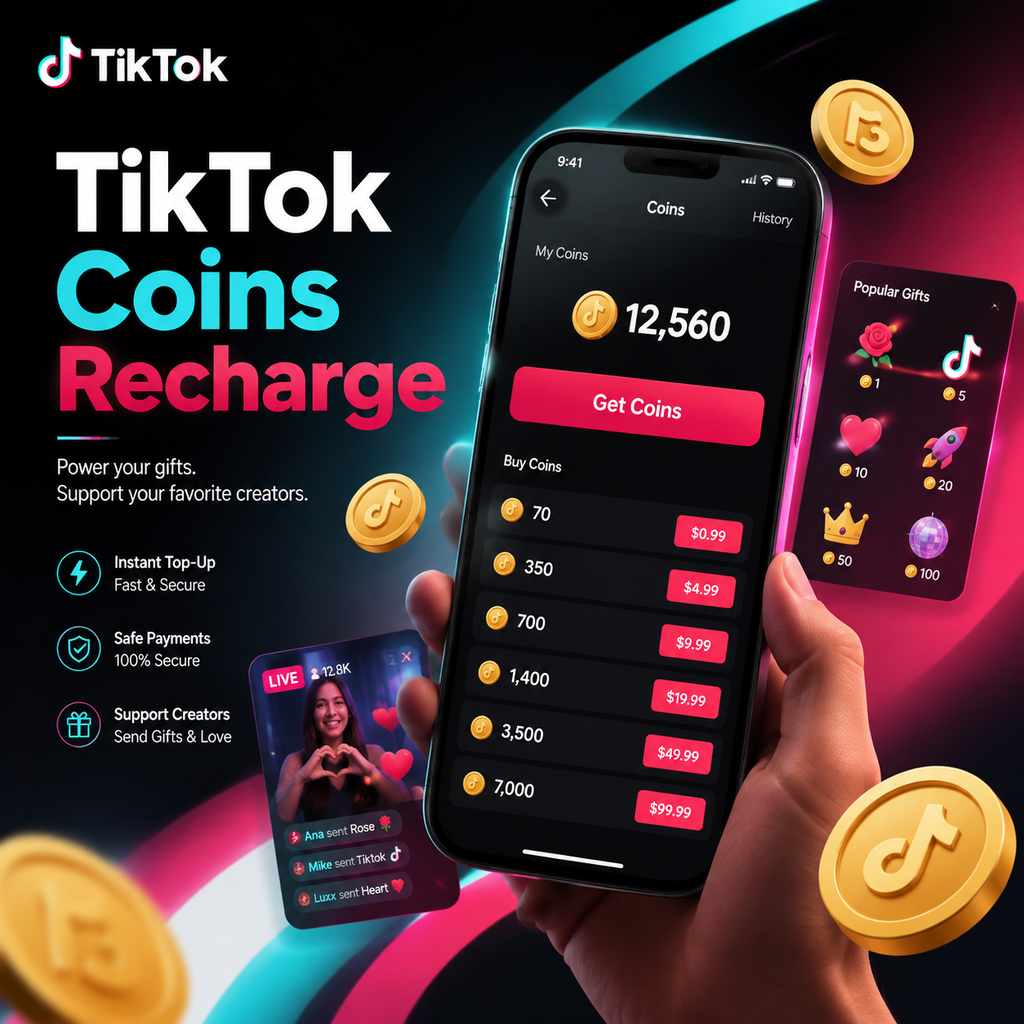
Understanding TikTok Coins
TikTok Coins are the virtual currency that powers the platform's gifting ecosystem. Whether you're cheering on a live streamer or supporting your favorite creator, coins allow you to send virtual gifts that can be converted into real-world income for recipients. Before you dive into recharging, it's essential to grasp how coins work: they're purchased with real money, used exclusively within TikTok, and are non-refundable. This guide walks you through the recharge process, payment options, and tips to get the most value from your purchases.
How to Recharge Coins In-App
Recharging your coin balance directly in the TikTok app is the most common method. Here's a step-by-step breakdown:
From Your Profile
- Open TikTok and tap your Profile icon at the bottom.
- Tap the three-line menu (or hamburger icon) in the top right corner.
- Select Balance from the options.
- Tap Get Coins and choose a coin package that fits your budget.
- Tap Recharge and follow the prompts to complete payment via your app store (Apple App Store or Google Play).
From a LIVE Stream
If you're watching a live video and want to send gifts immediately:
- Tap the Gift icon at the bottom of the screen.
- Tap Recharge and choose a package.
- Complete the purchase through your app store.
Once payment is confirmed, your coin balance updates instantly, and you'll receive a confirmation notification.
Recharging on the Web
Prefer to use your computer? TikTok's website offers a convenient alternative. Navigate to www.tiktok.com/coin, select your desired package, click Recharge, and choose your preferred payment method. This option is particularly beneficial for users in supported countries, as it opens up additional payment gateways beyond the app stores.
Using Gift Cards for Recharge
In some regions, TikTok gift cards are available, offering another flexible way to add coins. To redeem:
- Go to www.tiktok.com/coin/redeem.
- Enter the PIN code from your gift card.
- Confirm the redemption, and the coins will be added to your balance.
Keep in mind that gift card availability varies by region, and they're not accepted everywhere.
Coin Packages and Pricing
Choosing the right package can significantly impact your budget. While prices vary by region, here's a representative breakdown:
- 65 coins: ~$0.99
- 330 coins: ~$4.99
- 660 coins: ~$9.99
- 1,321 coins: ~$19.99
- 3,303 coins: ~$49.99
- 6,607 coins: ~$99.99
As you can see, larger packages offer better per-coin value. It's also worth noting that the value of coins differs from their gifting worth; when you send gifts, creators receive a portion in Diamonds, which can be converted to real money at a different rate.
Tips for Getting the Most from Your Coins
Maximize your coin purchases with these savvy strategies:
- Buy in bulk – the more you buy, the cheaper each coin becomes.
- Choose Android or web – Apple charges a 30% App Store fee, which often gets passed to users. To avoid this, use an Android device or TikTok's website for purchases.
- Watch for promotions – TikTok occasionally offers discounted packages for new users or during special events.
- Use gift cards wisely – some third-party platforms sell TikTok gift card credits at a discount, effectively lowering your cost per coin.
Troubleshooting Common Recharge Issues
If you encounter problems when trying to recharge, here are a few things to check:
- Update your app – older versions may not display the Balance section properly.
- Verify your payment method – ensure your card or PayPal is accepted in your region.
- Check for transaction failures – if a payment fails, double-check your internet connection and try again later.
If issues persist, contact TikTok Support for assistance.
The Future of TikTok Coins
As TikTok continues to evolve, its virtual economy grows more sophisticated. We're seeing trends toward more interactive gifting, augmented reality gifts, and even more ways for creators to monetize their content. Understanding how to efficiently recharge coins not only enhances your experience but also ensures you're getting the best value for your money. Stay proactive, explore different purchase channels, and keep an eye out for new features that could change the game. Happy gifting!