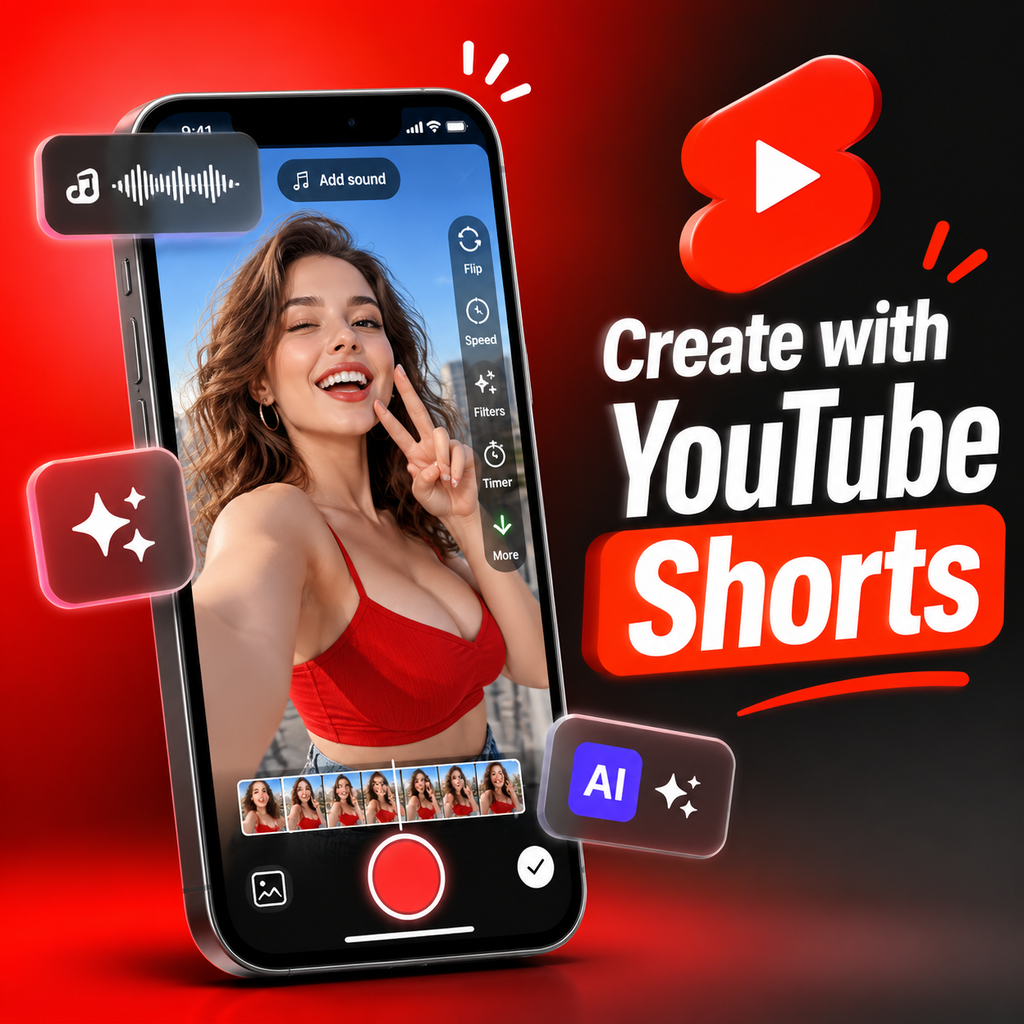
Breaking Down Barriers to Creation
YouTube Shorts is all about breaking down barriers to creation and making it fun and easy to share your voice, whether you're a seasoned creator or just starting out. With just a smartphone and the Shorts camera built into the YouTube app, you can turn any idea into a chance to connect with new audiences around the world. The latest creation tools are designed to be fast, intuitive, and inspiring, so you can focus on what matters most: your story.
In this release notes roundup, we're highlighting the features that make Shorts creation more accessible and enjoyable than ever. From multi-segment recording to AI-powered editing, there's never been a better time to dive in and start creating.
Getting Started with the Shorts Camera
Creating a Short is as simple as tapping the Create button and selecting Short. From there, you can record one or more clips that add up to three minutes using the multi-segment camera. Hold or tap the capture button to start and stop recording, and use the progress bar at the top to keep track of your segments. If you make a mistake, no worries—tap Undo to remove the last clip or Redo to add it back.


Flexible Recording Options
You can change the duration on the upper-right corner of the screen, allowing you to record clips of various lengths. Want to use footage from your camera roll? Tap the gallery button in the lower-left corner to import clips or photos. You can upload up to 3 minutes in total assets with a minimum of 5 seconds. And if you need to trim an existing video, simply drag the handles on the filmstrip to select the perfect start and end points.
Essential Creation Tools at Your Fingertips
The Shorts camera is packed with tools to elevate your content. Here are some of the key features you can use while recording:
- Add Sound: Choose from a selection of tracks in YouTube's audio library at no charge. Set the tone for your Short—whether it's an upbeat dance video or a calming meditation.
- Flip: Toggle between the front and back camera to capture the perfect angle.
- Effects: Explore a range of effects, from comedic "big head" to creative "fish eye," to add personality to your Short.
- Speed: Adjust the speed of your recording from 0.3x to 3x to create slow-motion trick shots or fast-paced action.
- Timer: Set a countdown to record hands-free and choose when recording stops automatically.
- Green Screen: Use a photo or video from your gallery or an eligible YouTube video as your background.
- Retouch: Toggle on skin smoothing for a polished look.
- Filters: Apply creative filters to each segment to change the mood or correct lighting.
- Adjust: When adding music, select which part of the song plays in your Short.
- Align: Match your next clip with the last frame of the previous one for seamless transitions.
- Lighting and Flash: Automatically adjust lighting or use flash to brighten dark scenes.
- Trim: Edit the length of each segment by dragging the sides of the bar.
Post-Recording Enhancements
Once you've captured your footage, the fun continues. After recording, you can add music, apply filters, and use other effects to enhance your Short. Tap Done to preview your video and access additional tools like stickers, text-to-speech, and voiceover. You can also review your timeline and make further edits.
AI-Powered Editing with Edit with AI
For an extra boost, try Edit with AI, available through both YouTube Create and the Shorts Camera. Select videos or photos, choose an edit style from available templates, and let AI generate a polished first draft with music and effects. You can then customize it further with your own edits. This feature is a game-changer for creators who want to save time while still delivering high-quality content.
AI-Generated Features to Spark Creativity
YouTube's experimental AI-generated features let you bring your imagination to life. Create unique images or videos based on text prompts and add them as green screen backgrounds or standalone clips. For example, generate a video up to 10 seconds long from a text prompt or use the Photo to Video feature to turn a selfie into a fun Short with preset movements like a Karate combo. These tools are designed to inspire creators and explore new creative possibilities.
Accessing AI Tools
Discover all of YouTube's GenAI creation features in the AI playground on YouTube Shorts. Open the app, tap Create, and then tap the GenAI creation tools icon in the top right corner. From there, you can create video clips, backgrounds, tracks, and apply different effects. Remember that all content must follow YouTube's Community Guidelines, and these features are currently available in most countries with the device language set to English.
Advanced Features for Polished Shorts
Take your Shorts to the next level with advanced editing tools. The timeline editor lets you edit video, text, stickers, music, and voiceover in one place. You can edit, reorder, and trim individual clips, and use the beat-matching feature to sync your clips to the music. Visual guides help you position text and elements correctly within the Shorts feed. Adding voiceover, text, and filters after recording is a breeze, and you can even save effects for future use by tapping the bookmark icon.
Tips for Better Transitions
When using the Align tool, think about continuity—keep lighting and background consistent, or intentionally change outfits for a creative effect. For hands-free recording, set the timer to account for the time it takes to get into frame. And don't forget to use the trim tool to cut out any mistakes or unwanted moments. With these tools, your Shorts will look professional and engaging.
Making the Most of Your Creation Process
Remember, you don't have to rush your creation process. If you need to step away, tap the X in the top left of the Shorts camera to save your work-in-progress as a draft. You can keep unlimited drafts on your device and come back to them later. Also, after recording, you unlock a new set of tools like voiceover, text, and filters, so take your time to perfect your Short before publishing.
The key to great Shorts is experimentation. Try out different effects, sounds, and speeds to see what resonates with your audience. Check out other Shorts on the YouTube Creators channel for more tips and inspiration. Whether you're using AI to generate backgrounds or adding a voiceover to narrate your story, the possibilities are endless. So go ahead—break down those barriers and share your voice with the world.
 Русский
 Turkish
 Português (Brasil)
 한국어
 العربية
 Español
 ไทย
 Tiếng Việt
 Français
 中文
 Deutsch
 Bahasa Indonesia
 Italiano
 日本語
 Polski
 Українська
 فارسی


