

 Русский
 Turkish
 Português (Brasil)
 한국어
한국어 العربية
 Español
 ไทย
ไทย Tiếng Việt
 Français
 中文
中文 Deutsch
 Bahasa Indonesia
 Italiano
 日本語
日本語 Polski
 Українська
 فارسی
فارسی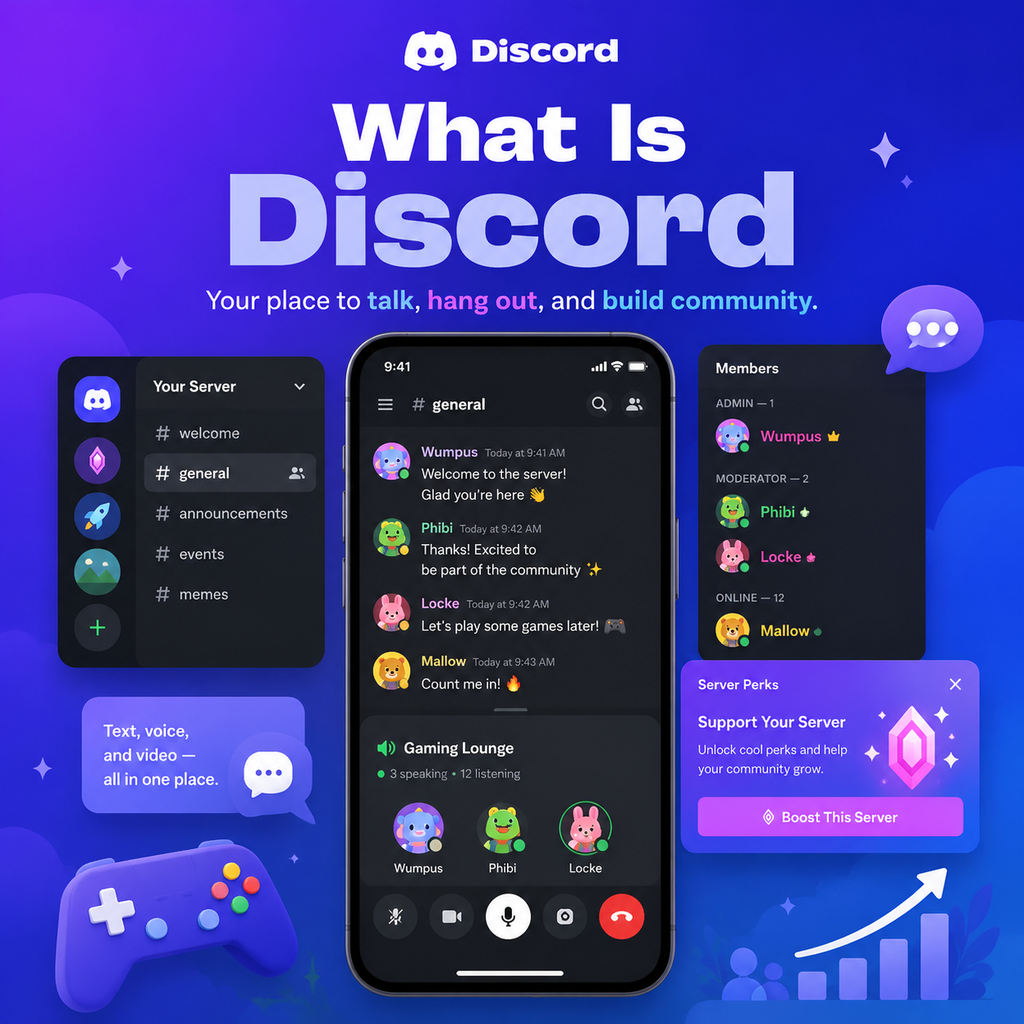
Why Discord Matters for Creators
Discord has evolved far beyond its gaming roots to become one of the most powerful community platforms for creators. Unlike social media algorithms that decide who sees your content, Discord gives you direct, unfiltered access to your most engaged fans. It's a space where you can build genuine connections, foster meaningful discussions, and create a loyal tribe around your brand. For creators looking to deepen their relationship with their audience, Discord is an invaluable tool that transcends simple messaging—it's a community hub that adds real value to your offer.
What Exactly Is Discord?
At its core, Discord is a communication platform that supports text, voice, and video chat. Originally designed for gamers in 2015, it has rapidly expanded to cater to any interest group or community. Think of it as a mix of Slack and Zoom, but more relaxed and community-focused. You can create or join servers—dedicated spaces for communities—where members can interact through channels. These channels can be text-based for ongoing conversations, or voice channels for live, spontaneous chats. Discord's flexibility makes it ideal for creators who want to offer their audience a place to hang out, get exclusive content, and communicate directly.
Setting Up Your Discord Server
Creating a Discord server is straightforward, but setting it up for success requires thoughtful planning. Start by enabling Community mode in your server settings—this unlocks essential features like rules screening, onboarding, and discovery. Choose a server name and icon that reflect your brand and the vibe you want to create. Then, configure your verification level to at least Medium to filter out spam, and set default notifications to "Only @mentions" to avoid overwhelming your members.
Starting with a Simple Structure
Resist the urge to create dozens of channels from day one. A minimal structure works best: #welcome for rules and introductions, #general for main discussions, #content for your posts and updates, and #off-topic for casual chatter. As your community grows and conversations demand more space, you can add specific channels accordingly. The key is to let your server evolve naturally, avoiding a ghost-town feel.
Building an Engaged Community
An active server requires your consistent presence and engagement. Post regularly in your content channel, ask questions to spark discussion, and recognize active members. Consider hosting recurring events like weekly voice chats, monthly AMAs, or community challenges to give members a reason to return. Even 15 minutes a day of genuine interaction can make a significant difference in building a thriving community.
Using Roles and Bots
Roles are Discord's superpower. They allow you to segment your audience and grant specific permissions. For instance, you can create a member role that is automatically assigned via bots like MEE6 or Carl-bot, or set up exclusive channels for paying subscribers. Bots also help with moderation, welcoming new members, and filtering spam, freeing up your time to focus on what matters—creating content and engaging with your community.
Monetizing Your Discord Server
Discord offers creators multiple ways to generate revenue. Server Subscriptions let you charge a monthly fee for access to exclusive channels, premium roles, and special perks. You can keep 90% of the subscription revenue. Promo Pages allow you to showcase your subscription offerings outside the server, making it easy for fans to subscribe. With a well-structured tier system, like a free tier and a supporter tier, you can create a sustainable income stream while providing real value to your most dedicated followers.
Keeping Your Server Safe and Welcoming
Safety and moderation are crucial for any community. Establish clear community guidelines and enforce them consistently. Use AutoMod to filter harmful content automatically. Recruit trusted moderators from your active members and give them clear instructions on how to handle violations. Act promptly on any issues to maintain a positive environment. Additionally, educate your members about Discord safety—encourage two-factor authentication, strong passwords, and caution with suspicious links.
Promoting Your Server
To grow your Discord community, you need to promote it across all your channels. Share your invite link on your YouTube end screens, Instagram and TikTok bios, email newsletters, and website. Collaborate with other creators to cross-promote each other's servers. Most importantly, personally invite your most engaged followers to seed the community with active members. Showcase the exclusive value they'll get by joining—behind-the-scenes content, early access, and direct interaction with you.
Tracking and Improving Your Server
Use Discord's server insights to track member retention, channel engagement, and growth. This data helps you understand what's working and what isn't, allowing you to refine your strategy. Pay attention to which channels are most active and which events get the most participation. Continuously adapt your approach to keep your community vibrant and ensure you're providing value that keeps members coming back.
Discord is more than just a chat app—it's a powerful platform for creators to build a loyal audience, foster genuine connections, and unlock new revenue opportunities. By setting up your server thoughtfully, engaging authentically, and promoting effectively, you can create a thriving community that supports your creative journey for years to come.