

 Русский
 Turkish
 Português (Brasil)
 한국어
한국어 العربية
 Español
 ไทย
ไทย Tiếng Việt
 Français
 中文
中文 Deutsch
 Bahasa Indonesia
 Italiano
 日本語
日本語 Polski
 Українська
 فارسی
فارسی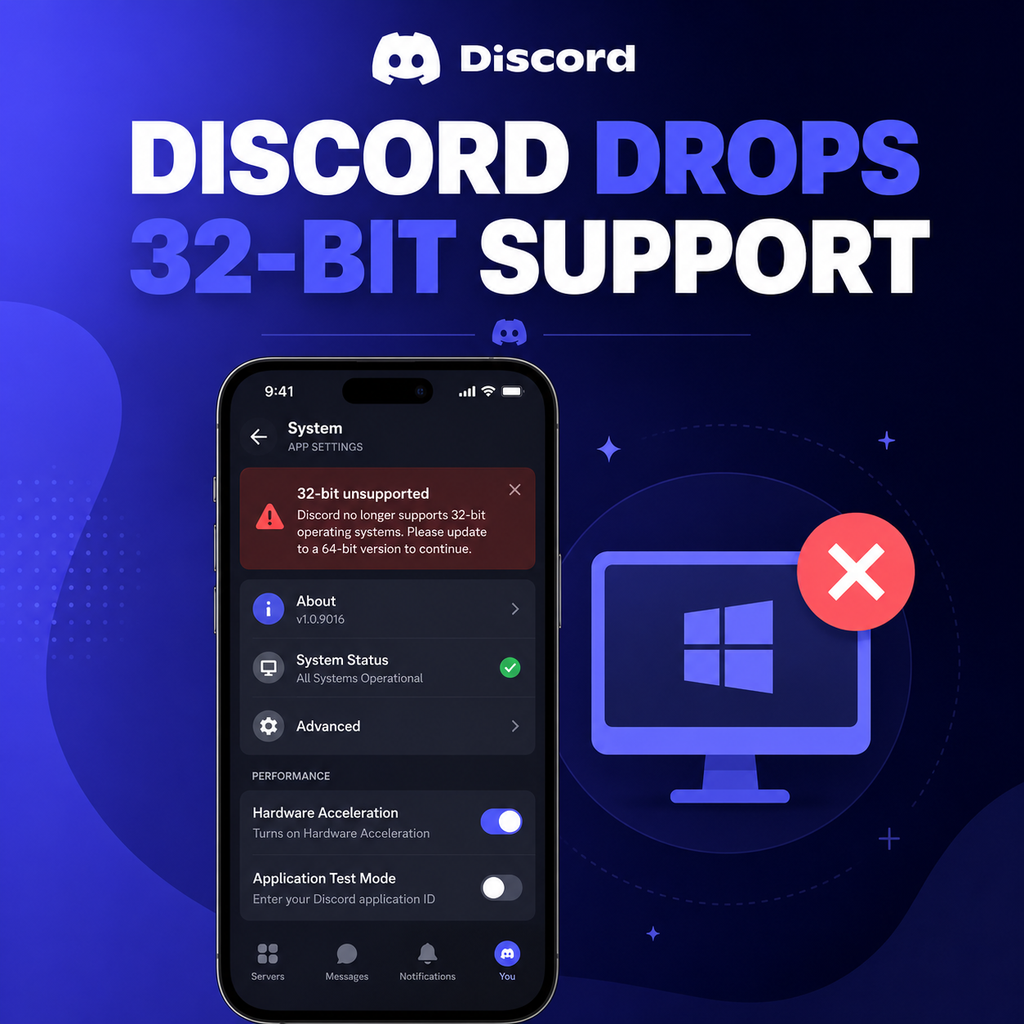
What the End of 32-Bit Support Means for You
As of December 1, 2023, Discord will no longer provide updates or official support for its desktop app on 32-bit versions of Windows. This means users on older 32-bit systems won't receive new features, performance improvements, or critical security patches. While the app may continue to function on a basic level after that date, its stability and reliability are no longer guaranteed. Discord's official support page emphasizes that to keep enjoying a seamless experience, upgrading to a 64-bit version of Windows is the recommended path forward.
Why Discord Is Dropping 32-Bit Support
The decision aligns with industry-wide trends as software developers phase out support for aging 32-bit architectures. Modern applications increasingly rely on the higher memory limits and enhanced performance of 64-bit systems. By focusing development on 64-bit, Discord can deliver richer features, better voice quality, and improved security without the constraints of legacy compatibility. This move also mirrors actions by other major platforms like Microsoft, which stopped offering a 32-bit version of Windows 11, signaling that 32-bit is a diminishing standard.
How to Check Your Windows Version
Wondering if you're affected? It's easy to check: open your Start menu, type "About your PC," and select it from the results. In the System section, look for "System type" – it will read either "32-bit operating system" or "64-bit operating system." If you see 32-bit, your Discord desktop app will stop receiving updates after December 1. Windows 11 users are automatically on 64-bit, as Microsoft never released a 32-bit version, so no action is needed. Windows 10 and older users should verify to ensure continued support.
What Happens After Support Ends?
After December 1, your Discord app might still launch and allow basic tasks like messaging. However, without updates, you'll miss out on new features, bug fixes, and security patches. Over time, functionality could degrade, and compatibility issues may arise. Discord warns that continued use on 32-bit systems is not guaranteed to be stable. For a reliable experience, upgrading your operating system or switching to an alternative access method is strongly advised.
Your Options: Upgrade or Switch
If you're on a 32-bit Windows system, you have two main paths: upgrade to a 64-bit version of Windows, or use Discord through a web browser. Upgrading requires reinstalling Windows as a 64-bit version – note that this process typically wipes your data, so back up important files first. Most modern PCs support 64-bit, but you can verify via your system settings. Alternatively, the Discord web client works on any browser and offers nearly all core features, though it lacks some desktop-specific enhancements like screen sharing and push-to-talk.
Preparing for the Transition
To upgrade, download the Media Creation Tool from Microsoft's website and create installation media. Choose the 64-bit version and perform a clean install. Afterward, reinstall Discord from the official site to get the latest 64-bit client. If you prefer the web route, simply access Discord via Chrome, Firefox, or Edge and log in. Remember to sync your settings and two-factor authentication before making changes. Either option ensures you remain connected without interruptions.
What About Older PCs?
If your PC is too old to support 64-bit, upgrading isn't possible. In that case, the web browser remains your best bet for continued access. While not as feature-rich, the web version supports text chat, voice calls (via browser notifications), and file sharing. Discord also offers mobile apps for iOS and Android, which have no OS architecture limitations. Consider using Discord on your smartphone or tablet as an alternative. This approach extends the life of your older hardware while keeping you in the conversation.
Looking Ahead: The Future of Discord
Discord's decision to sunset 32-bit support is a strategic step toward a more robust and secure platform. By shedding legacy constraints, the team can innovate faster, introducing AI-powered features, enhanced moderation tools, and richer integrations. For the community, this means a forward-looking experience that prioritizes performance and safety. While change can be inconvenient, embracing the 64-bit ecosystem opens doors to a more powerful and enjoyable Discord – one that grows with the evolving digital landscape.